
How to look better in photos
Most unflattering photos come from a few fixable conditions. Find the light, set the angle, relax your posture and expression, and choose the frame on purpose.
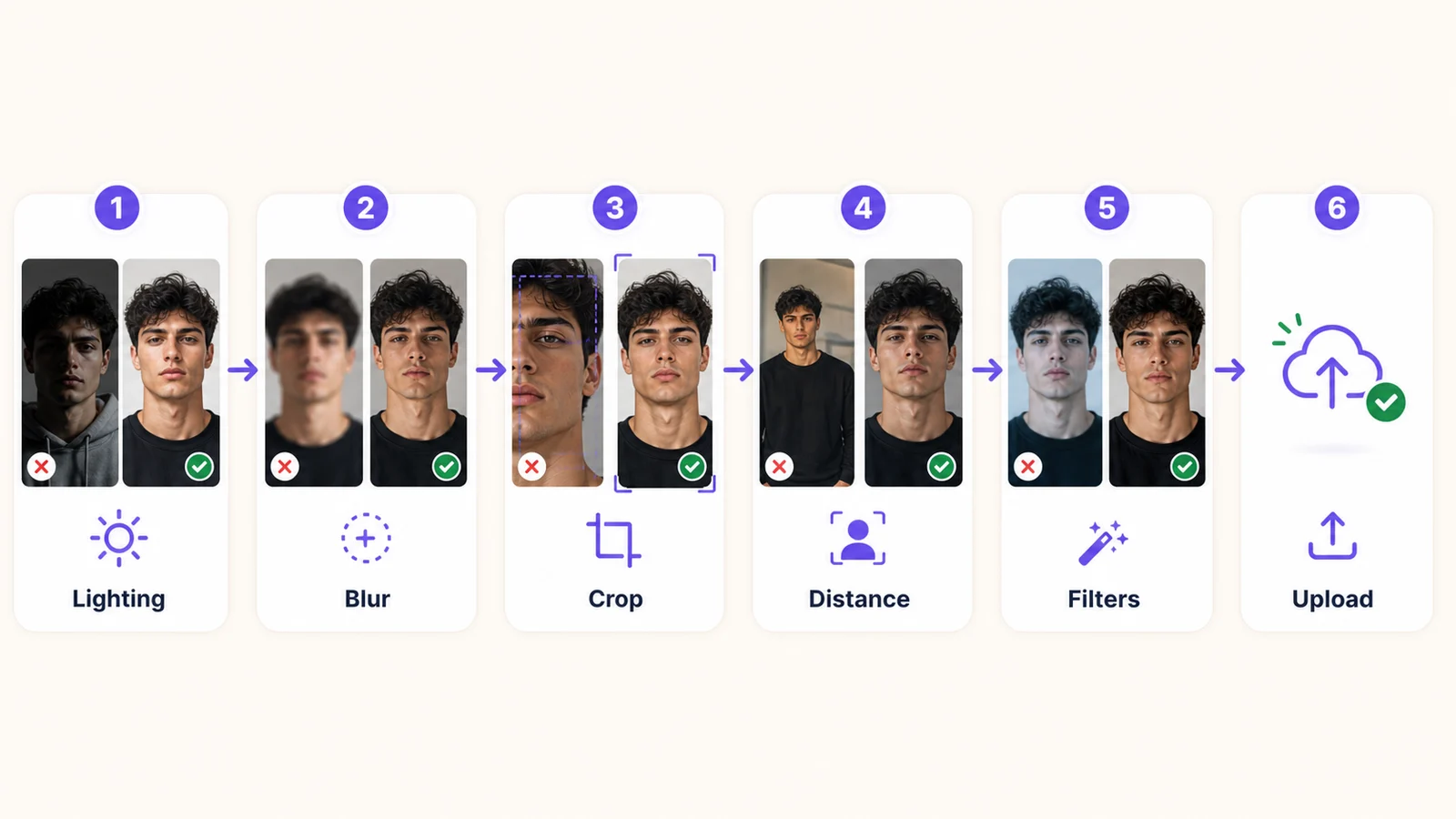
TL;DR
The shortest version before the full guide.
- Face soft light from the front or side; avoid overhead and backlight.
- Keep the camera at or slightly above eye level and step back from extreme close-ups.
- Relax your shoulders, lengthen your neck, and bring your head slightly forward.
- Use a natural expression you can repeat: a slight smile or relaxed mouth and soft eyes.
- Check the result with the same setup each time, so you compare yourself and not the conditions.
Most bad photos have a fixable cause
If you look worse in photos than in the mirror, the cause is usually the conditions, not your face. A mirror shows a moving, flipped image under light you are used to. A photo freezes a single moment, often taken too close, from below, or under harsh overhead light.
This guide covers the conditions you can control for everyday photos: profile pictures, dating apps, social posts, and selfies. If you are choosing a photo for a face rating specifically, the photo selection checklist and camera setup guide cover that use case in more depth.
Find the light first
Light changes a photo more than almost anything else.
- Face the light: stand facing a window during the day, or put a lamp near the camera. Soft light from the front or a little to the side shows the face evenly.
- Avoid a single overhead light: a ceiling light directly above casts shadows under the eyes, nose, and chin.
- Avoid strong backlight: a bright window behind you darkens your face and the camera exposes for the background.
- Golden hour outdoors: early morning and late afternoon light is softer than midday sun. In bright midday sun, find open shade.
A quick test: turn slowly in a full circle while watching the camera preview. Stop where the shadows under your eyes are softest.
Set the angle and distance
Camera position changes proportions in the photo.
- Eye level or slightly above: a camera below your chin emphasizes the jaw underside and nostrils. Slightly above eye level is a common flattering choice; very high angles look staged.
- Not too close: short lens distances enlarge whatever is closest to the camera, usually the nose. Hold the phone at arm's length or use a timer and stand further back, then crop.
- Use the main camera when you can: the rear camera on most phones is sharper than the front camera. A timer or a friend helps.
- Try both sides: many people prefer one side of their face in photos. Take a few frames turned slightly left and right and compare.
Hold your posture
Posture changes the outline of the face and body in a photo.
- Lengthen the neck: imagine the top of your head being lifted.
- Drop the shoulders: raised shoulders shorten the neck.
- Bring the head slightly forward: a small forward movement from the neck, with the chin level, can make the jaw outline read more clearly. Keep it subtle; a big push looks strained.
- Angle the body: turning the shoulders a little away from the camera while facing it with your head usually looks more natural than standing square on.
The beginner looksmaxxing routine includes everyday posture habits, which make posture in photos feel less forced.
Relax your expression
A natural expression is easier to repeat than a forced one.
- Breathe out before the shot: it releases tension in the jaw and shoulders.
- Take a burst: several frames in a row capture in-between moments that often look more relaxed than a held pose.
- Smile with the eyes, or not at all: a slight smile that reaches the eyes, or a relaxed closed mouth, usually reads better than a wide forced grin.
- Soften the eyes slightly: a tiny narrowing of the lower lids often looks more engaged than wide-open eyes. Keep it small.
Get the details right before you shoot
Small presentation details show up clearly in photos.
- Hair: check for flyaways and keep hair off the eyes unless that is your style. A fresh cut photographs better a few days after the appointment than the same day.
- Facial hair: tidy the neckline and cheek line, or shave cleanly. Beard styles by face shape helps if you are choosing a style.
- Glasses: tilt the frame slightly down or move so the lenses do not reflect the light source. Glasses by face shape covers frame choice.
- Clothes: solid colors and a good fit photograph better than busy patterns. Choose a color that contrasts with the background.
- Background: plain or softly blurred backgrounds keep attention on you. Check for clutter at the edges of the frame.
- Face soft light; no overhead-only or backlight.
- Camera at or slightly above eye level, not too close.
- Shoulders down, neck long, head slightly forward.
- Breathe out; take a burst of frames.
- Hair, facial hair, and glasses checked.
- Plain background and a solid top.
Choose the photo on purpose
Once you have a set of photos, choose with a clear head.
- Compare at the same size: view the candidates side by side at the same zoom.
- Avoid heavy filters and face-warping edits: they look off to other people and do not match how you look when you meet.
- Ask one honest friend: ask which photo looks most like you on a good day, rather than which is the most flattering.
- Keep the setup for next time: write down where you stood, the light, and the camera distance so you can repeat it.
Check your photo with a free mog rating
A free Mog Rating preview gives you a read of one current photo, without login. It can be a useful extra data point when comparing two photos taken in the same setup. Look at what changed in the images as well as the number; a score reads the photo, not your worth or how people see you in person. When you want to move from better photos to a longer-term plan, read how to raise your mog score.
Prepared by MogScore; updated November 9, 2026. These tips are editorial photo guidance, not measured outcomes. No specific score change is promised.
Frequently Asked Questions About How to Look Better in Photos: Light, Angle, Posture, and Expression
Answers to common questions about this guide.
Use the guide with a current-photo preview
Start with one clear photo, then use the guide to decide which setup or style change to test next.
Related articles
Continue with the next setup, glossary, or product guide.
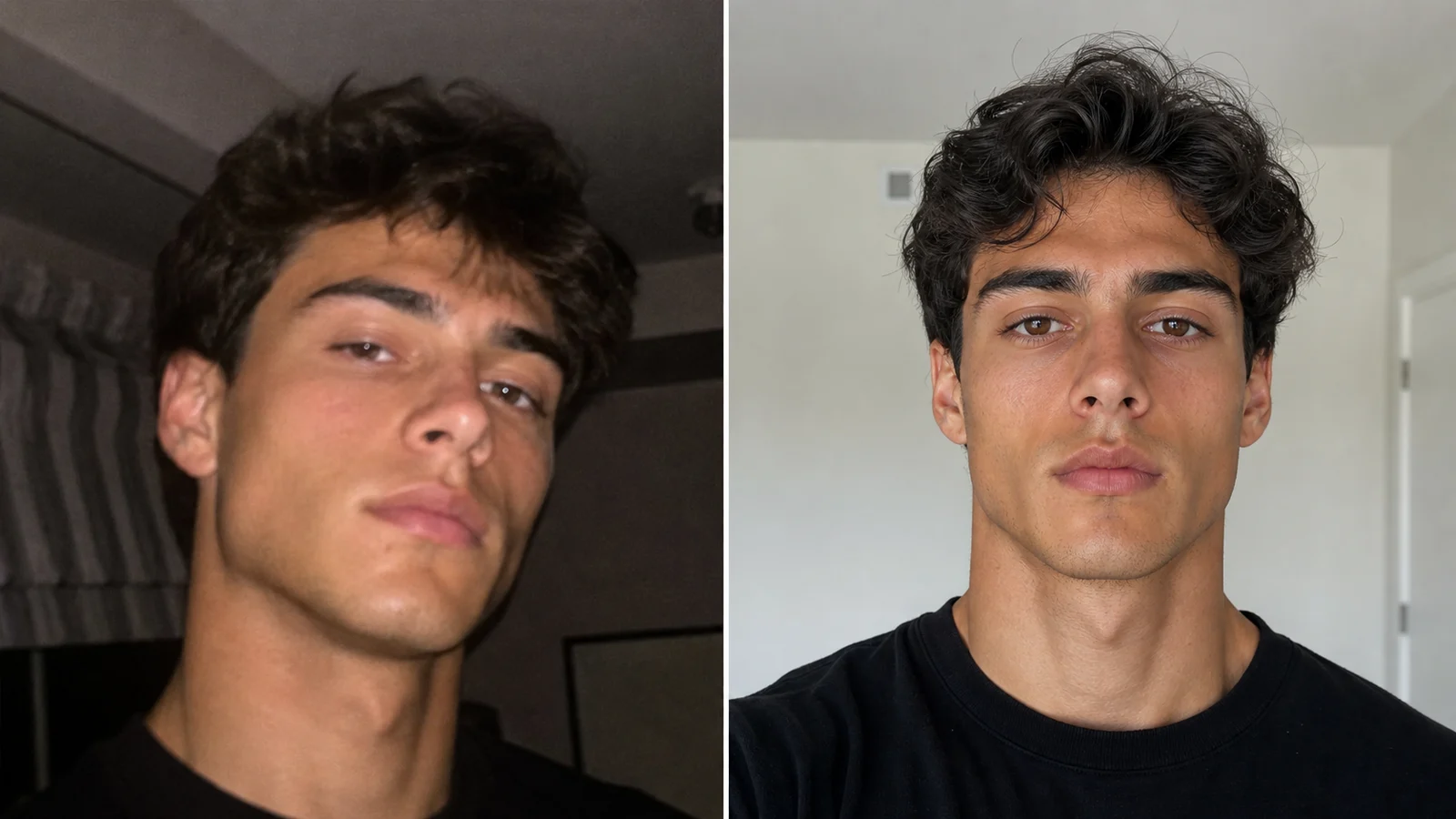 Photo TipsBest Photo for an AI Face RatingChoose one usable original from your photo library, record why it works, and fix the specific problem if the scan fails.
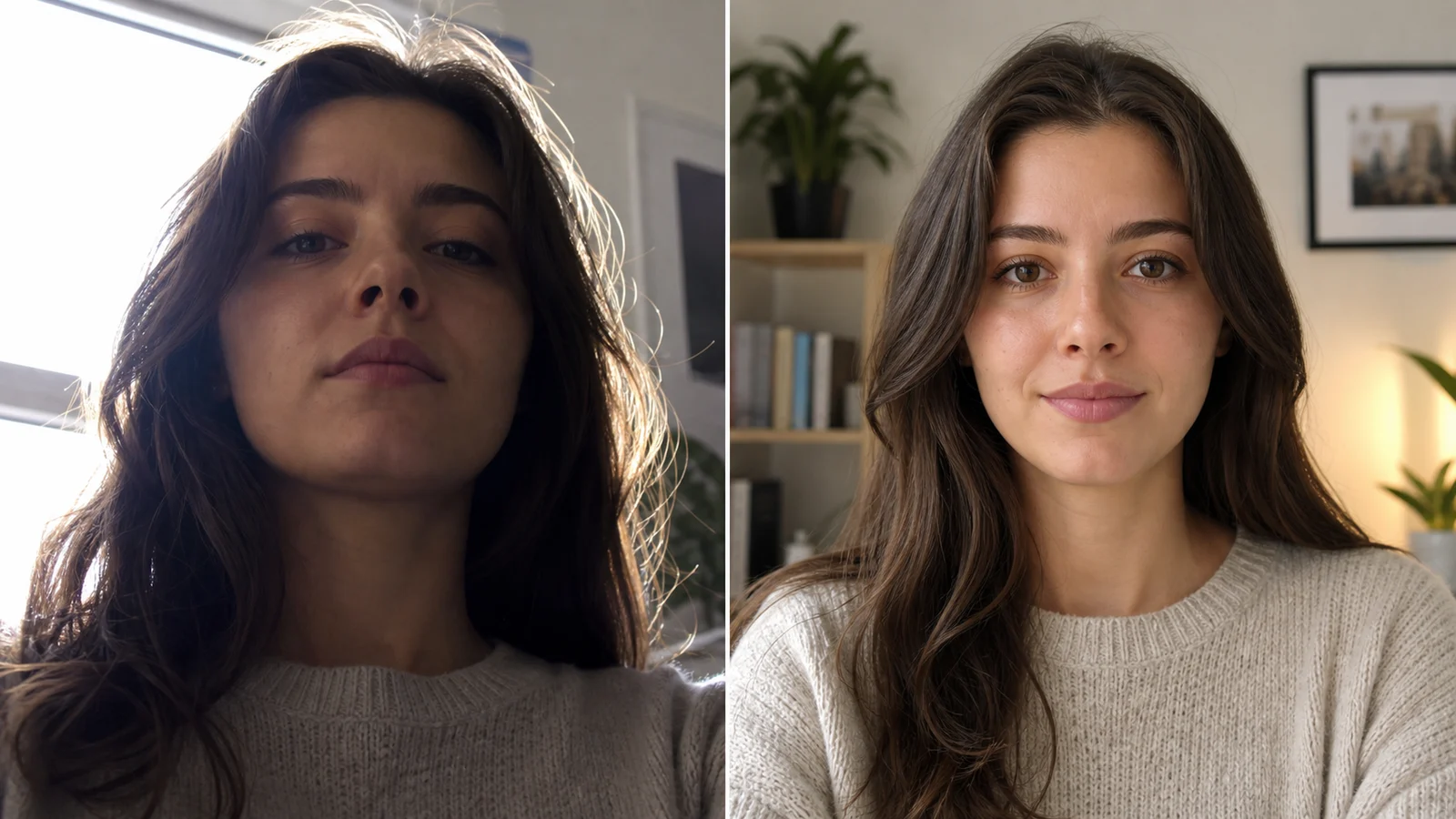 How-toCamera Setup for Repeatable Face Photo ComparisonsMake a repeatable baseline, keep a capture note, and run one useful retake without changing the whole setup.
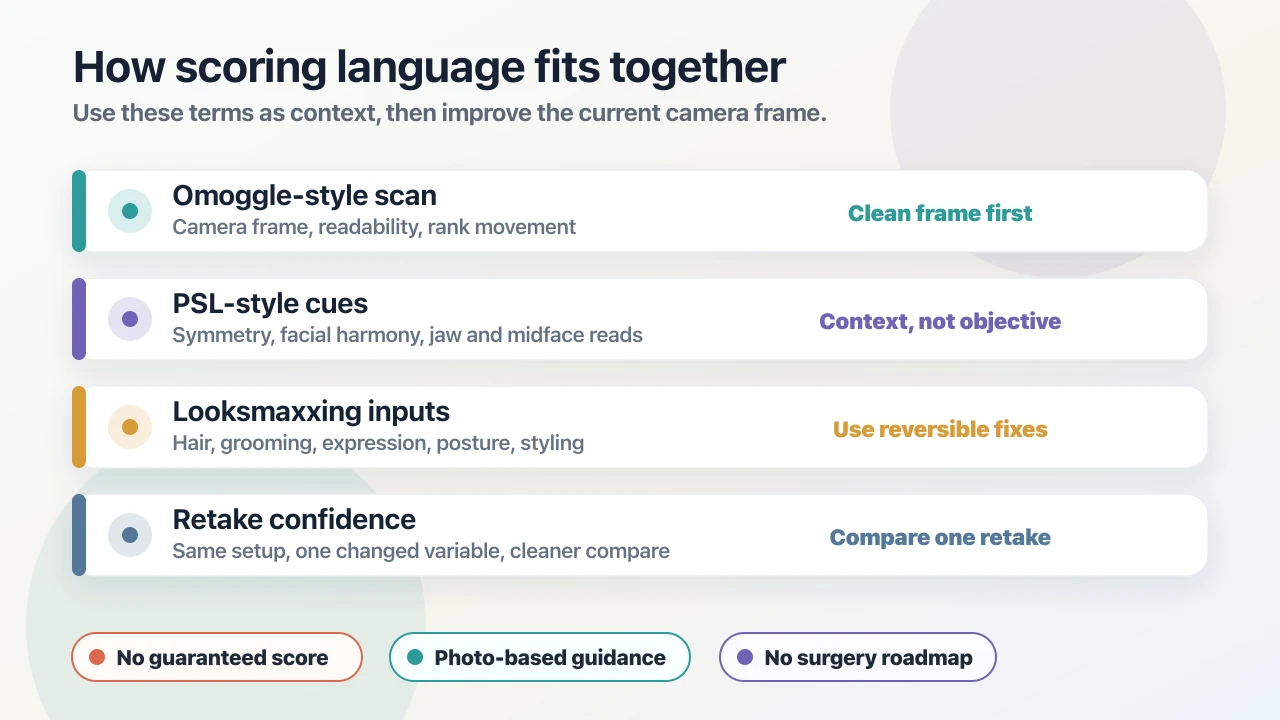 How-toHow to Raise Your Mog Score: A Practical, Photo-Based PlanSeparate capture problems from presentation choices, change one controllable thing at a time, and use a current-photo read to decide what to work on next.
 RoutineLooksmaxxing Routine for Beginners: Simple Daily HabitsStart with five habit areas you control, keep them simple for four weeks, and use the same current-photo setup to see what changed.