
Get a Free AI Mog Rating from Your Face Scan
Run a free face scan to get an AI mog rating with a 0-10 MogScore, confidence, and the biggest photo factor to improve next.
Ask what to improve nextNot sure what to improve? Ask MogScore Coach for your next step. Add photos when you want a deeper analysis.
Ask CoachAsk MogScore CoachRun a free face scan to get an AI mog rating with a 0-10 MogScore, confidence, and the biggest photo factor to improve next.
Camera access starts only after you tap Start live scan. The preview starts after a 5-second scan.
The browser face scan works best when your face is centered, evenly lit, and unobstructed.
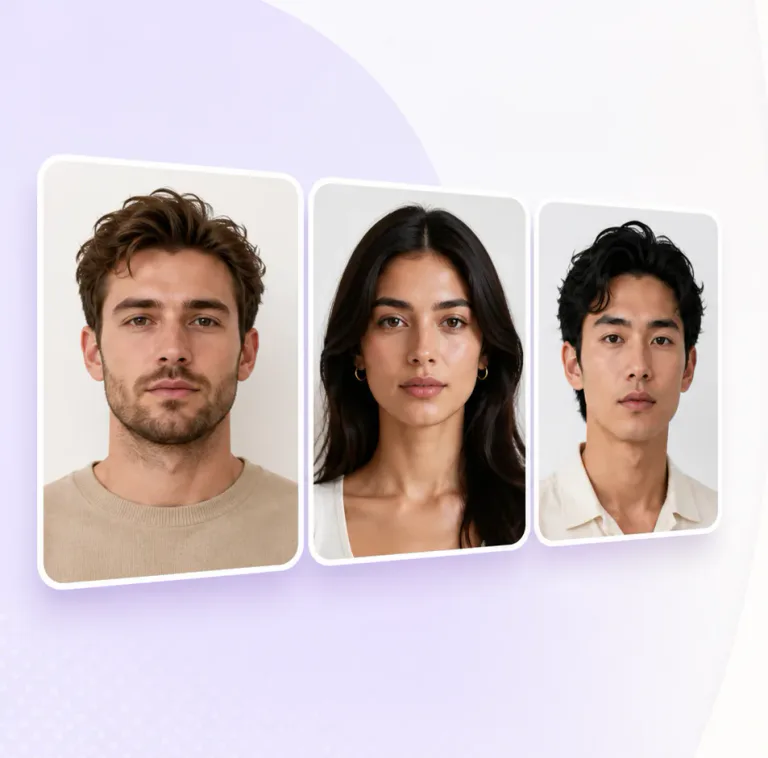
Keep chin and forehead inside the frame so the scan can lock on cleanly.
Use soft front-facing light so shadows do not hide structure or expression.
Skip filters, sunglasses, group shots, and heavy angles for a stable read.
Prefer to reflect before using a camera? Start with a no-photo quiz, then return to Mog Rating when you want a current-photo result.
One clear photo becomes a 0-10 MogScore with confidence, the strongest photo signal, and one practical next step before login.
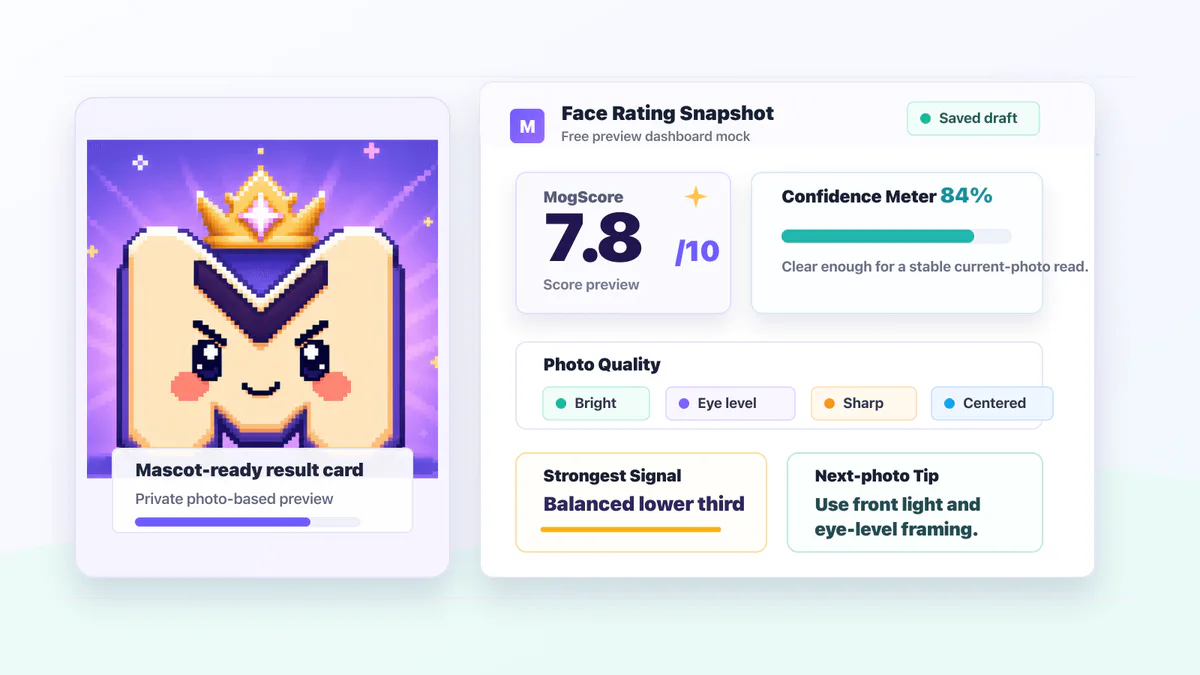
The free mog checker comes first. Paid analysis or style previews only make sense after you understand the current-photo result.
Upload or use the live camera with your face visible, centered, and evenly lit.
Get the free score and confidence before login, checkout, or a paid report.
See which current-photo factor is helping or limiting the result.
Use a report for explanation, or use a generator when the next change is visual.
A mog checker result can move because MogScore reads the current photo. Lighting, camera angle, and face visibility can change the score before anything deeper changes.
Keep eyes, mouth, forehead, chin, and both sides of the face readable.
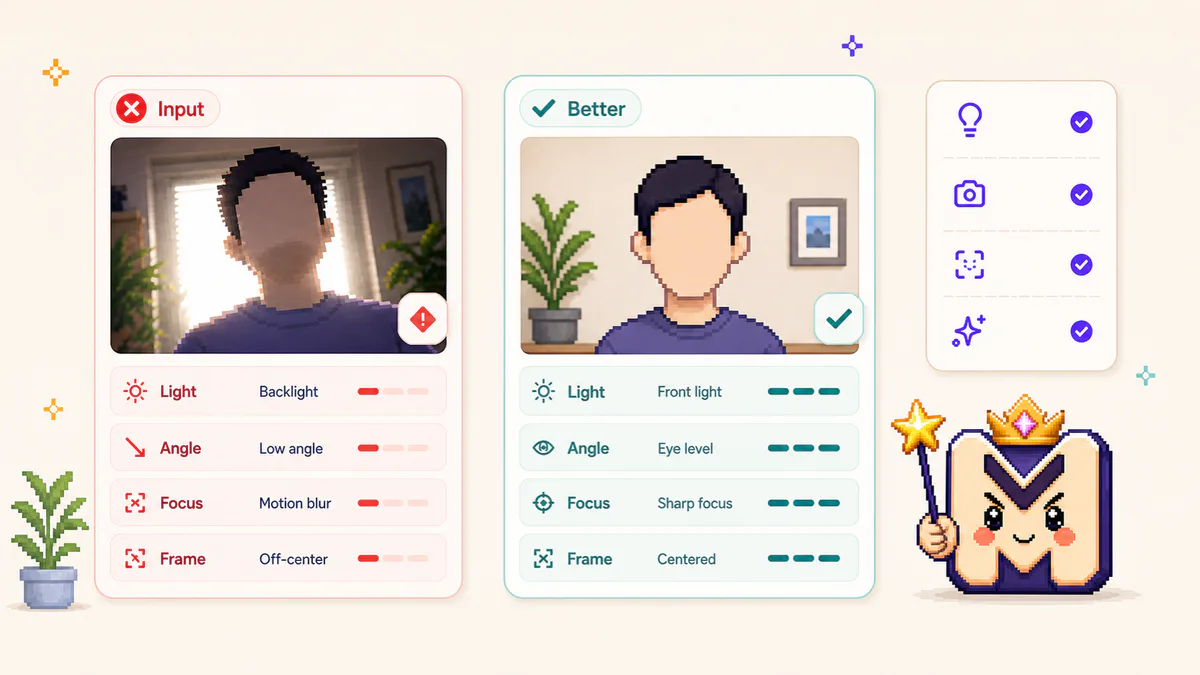
Use soft front light and avoid backlight, harsh shadows, or low exposure.
Keep the lens near eye level so the current-photo read is less distorted.
Use a relaxed, natural expression; tension, squinting, or motion can change the read.
Keep hair shape intentional without hiding the eyes, jaw edge, or face outline.
Keep facial hair and grooming edges readable without covering key face areas.
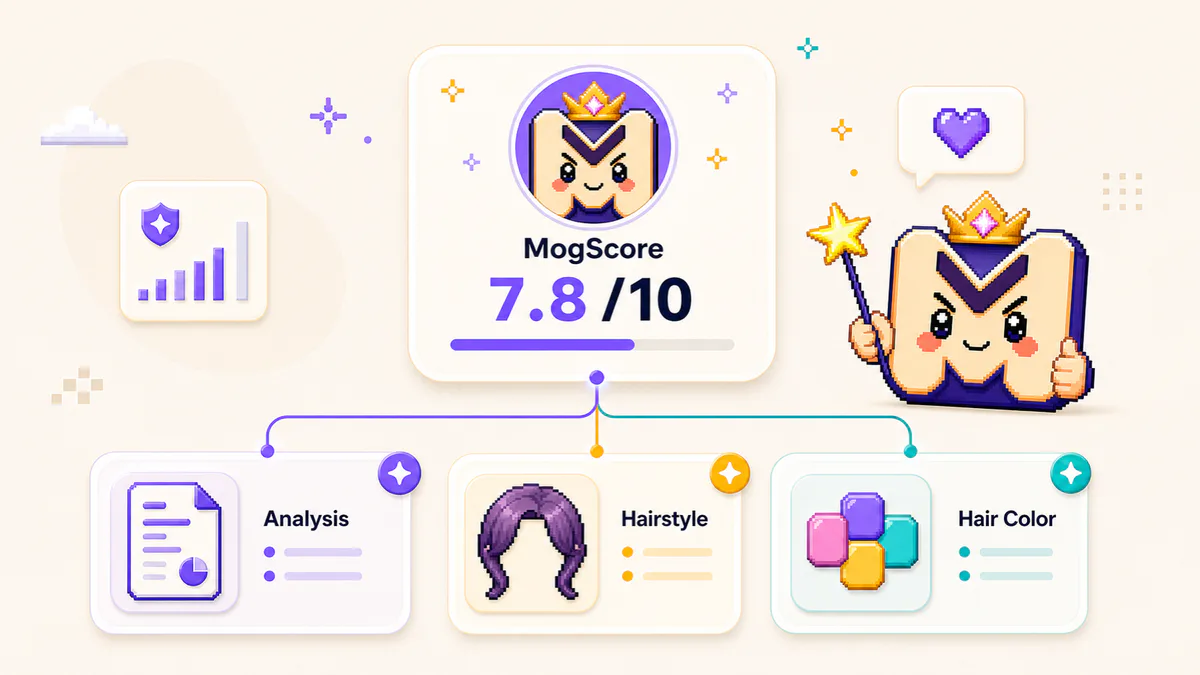
Use the mog checker result first, then choose what you need next: understand the result, test hairstyle shape, or test hair color.
Use the mog checker to change one controllable photo factor at a time, then compare a retake against your own previous setup.
Continue with setup, photo quality, and score context guides after your preview.
Run the mog checker for a free 0-10 MogScore, confidence, photo signals, and a practical next step before login.
MogScore is an independent 18+ tool and is not affiliated with Omoggle. The free preview runs before Google login and does not claim an objective attractiveness verdict.