
Omoggle practice test before you go live
Run an Omoggle practice test before going live with webcam framing, lighting, angle, and camera-readiness tips.
Ask what to improve nextNot sure what to improve? Ask MogScore Coach for your next step. Add photos when you want a deeper analysis.
Ask CoachAsk MogScore CoachRun an Omoggle practice test before going live with webcam framing, lighting, angle, and camera-readiness tips.
Check your frame before Omoggle.
Start when your face is centered for Omoggle.
Use this Omoggle practice workflow when you want an independent test before Omoggle. It checks the current camera setup, not an official Omoggle score or a public rank.
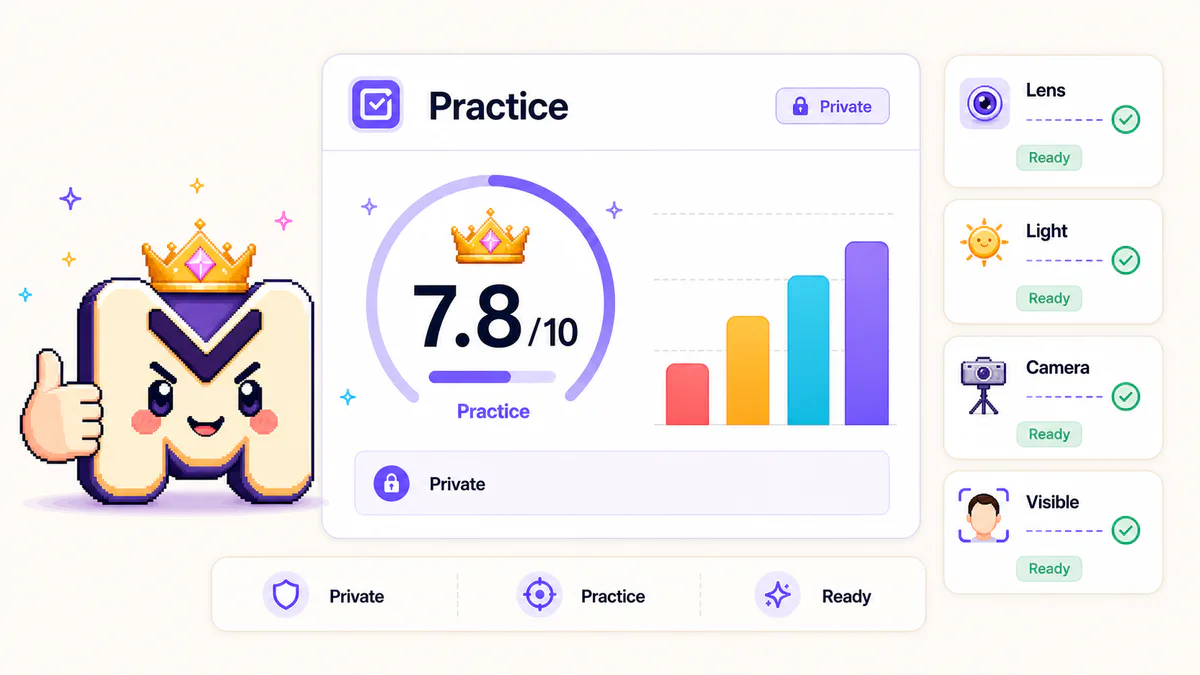
The Omoggle camera practice flow keeps the job simple: check the frame, read the setup, then retake with one clear change.
Start practice for Omoggle with your face visible, centered, and close enough for a stable read.
Hold still while the Omoggle practice test reads the current webcam frame without creating a public rank.
Use the Omoggle practice score to spot whether light, height, crop, expression, or grooming is moving the current read.
Save only when you want a full MogScore preview record. Otherwise adjust one setup variable and run another Omoggle practice test.
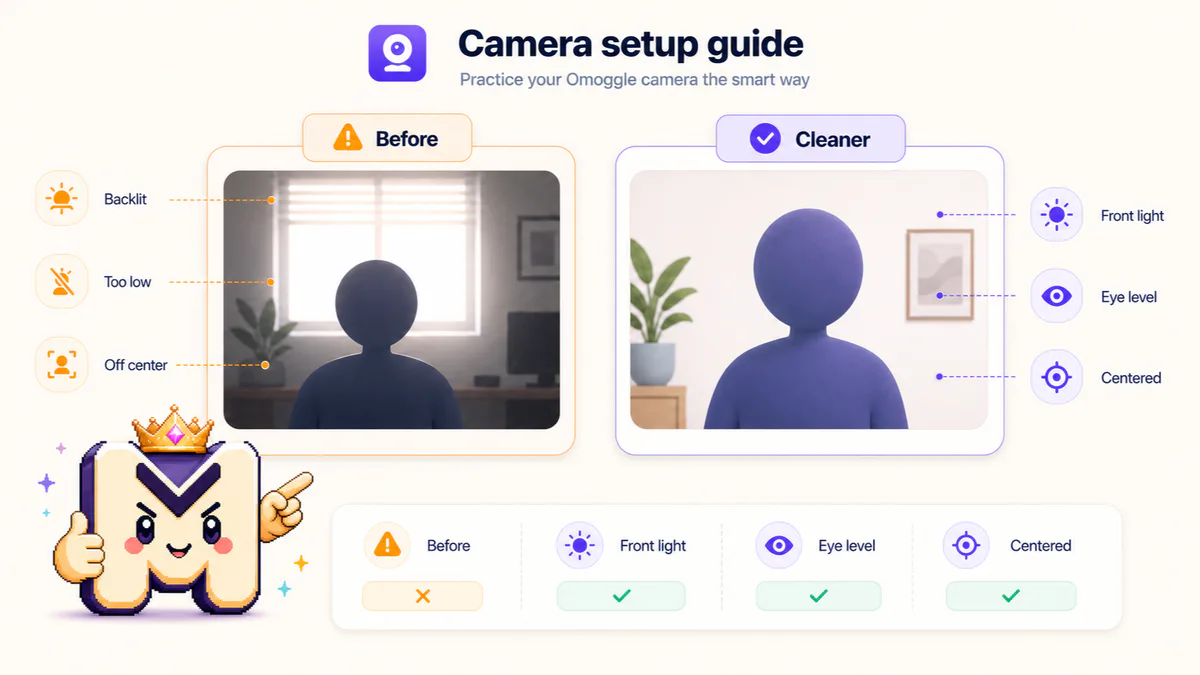
Omoggle camera practice is sensitive to the current webcam setup. Check these signals before treating an Omoggle practice score as a read on you.
Too close or too far can change the Omoggle practice score before anything else changes.
Even front light makes Omoggle camera practice easier to read than backlit or side-lit frames.
Eye-level camera height usually gives a cleaner practice before Omoggle than a low laptop angle.
Keep one readable face centered so the Omoggle practice test can read the frame.
A relaxed expression keeps the Omoggle test focused on setup instead of a single awkward frame.
Hair shape and grooming clarity can affect the practice score when the camera crop is tight.
An Omoggle test can feel random when the camera setup changes. Read this as current-camera feedback, then practice before Omoggle with one-variable retakes instead of chasing a guaranteed score.
After the free omoggle practice test, choose the next path by what you need: a setup guide, a general mog rating, or deeper AI Face Analysis context.
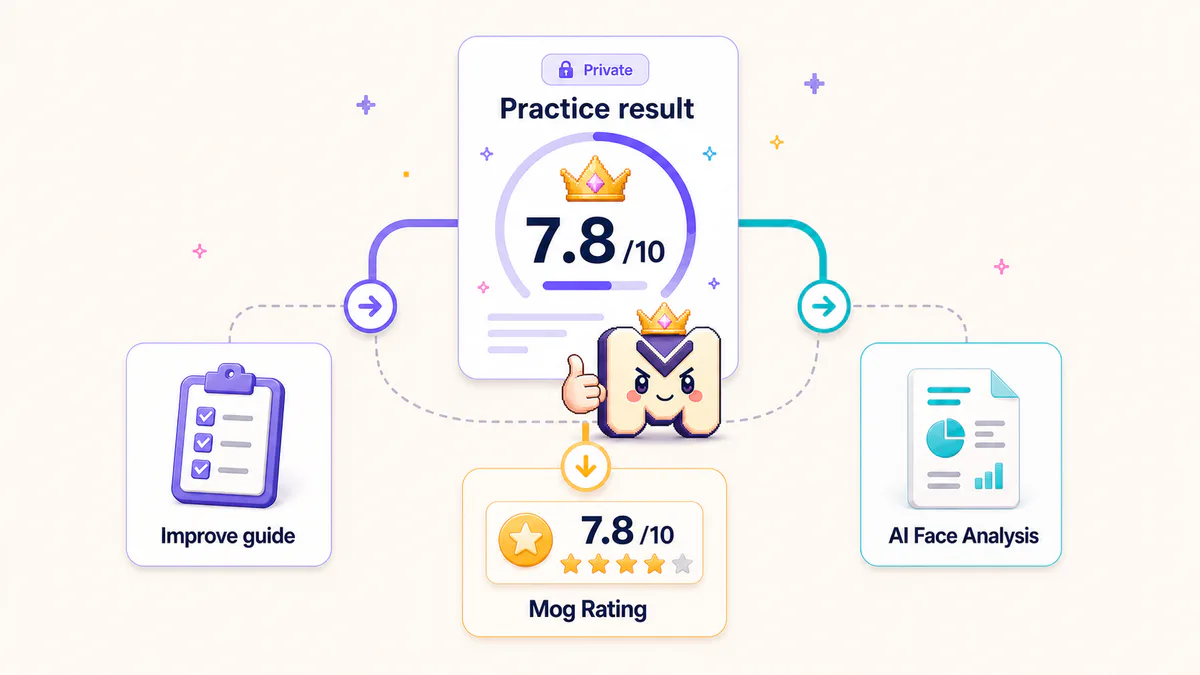
Continue with setup, photo quality, and score context guides after your preview.
Start another Omoggle practice test, read the setup signals, then keep the strongest fix for the next live camera moment.
MogScore is an independent 18+ Omoggle practice tool and is not affiliated with Omoggle. The free Omoggle preview checks the current camera setup before Google login and does not create a public rank or objective attractiveness verdict.