
Cuts and length
Use the AI haircut simulator for bobs, pixies, buzz cuts, long layers, and shorter crops.
Ask what to improve nextNot sure what to improve? Ask MogScore Coach for your next step. Add photos when you want a deeper analysis.
Ask CoachAsk MogScore CoachTry realistic AI hairstyles, haircut templates, bangs, curls, fades, and face-preserving before/after previews from one selfie.


Completed generations are saved in History.
Start with a solo selfie or a saved MogScore report photo where your hair outline is easy to read.
Pick a template for the AI haircut direction: cut, length, bangs, curls, fade, parting, or texture.
Review the before/after hairstyle result, download the after photo, or try a different template.
This AI hairstyle generator focuses on visible hair shape rather than face edits, so each control should answer a real style question before you spend credits.
Use the AI haircut simulator for bobs, pixies, buzz cuts, long layers, and shorter crops.
Try curls, waves, volume, parting, and cleaner controlled shape from the same source photo.
Preview bangs, side framing, middle parts, and softer face-framing layers.
Test fades, quiffs, slick backs, textured crops, and cleaner grooming direction.
Compare bobs, braids, pixies, soft waves, and longer hairstyle try-on options.
Download an after photo you can bring to a stylist or reuse in your planning flow.
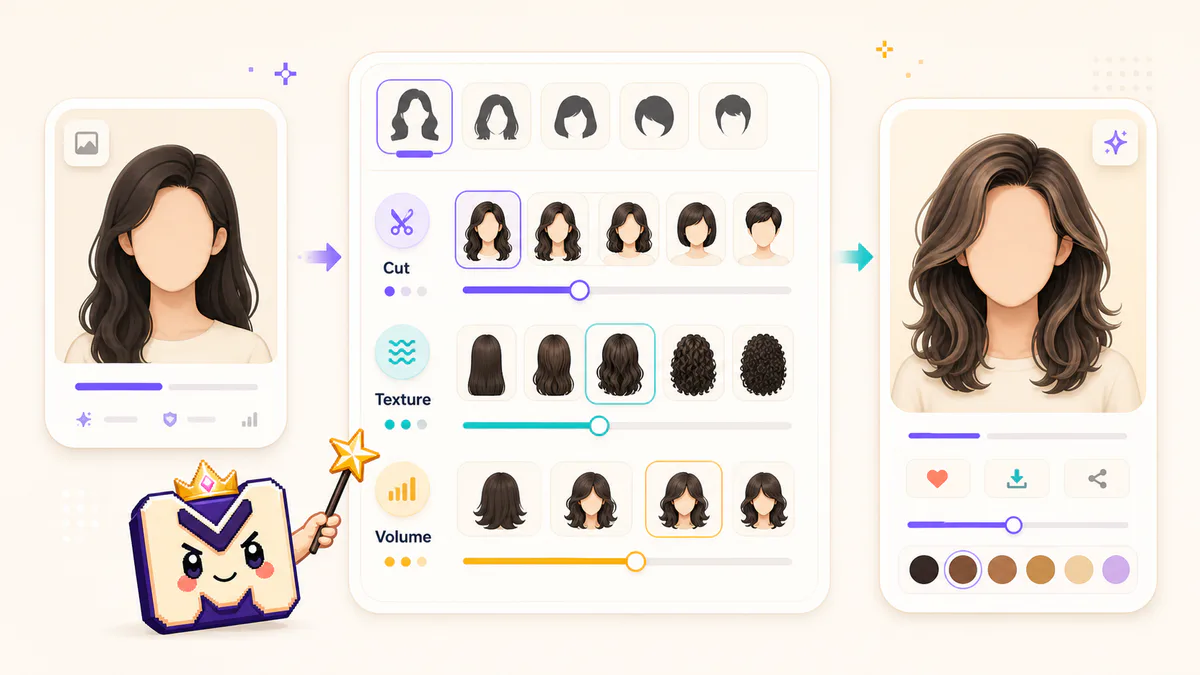
A cleaner input helps the AI hairstyle result look like a believable haircut preview instead of a random image edit.
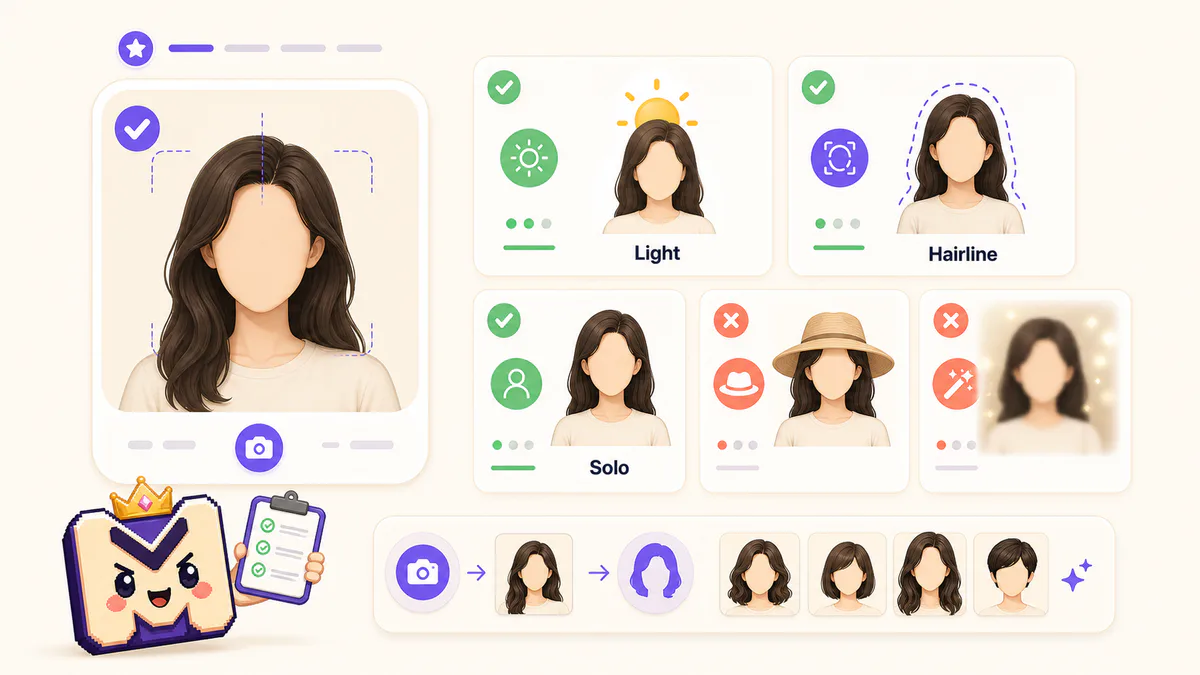
The result should stay recognizable as the same person trying an AI hairstyle from photo, not a new identity or face swap.
Create a reference direction before committing to an AI haircut idea in real life.
Preview a cleaner AI hairstyle direction for social, dating, or profile photos.
Check short, long, textured, polished, and face-framing hairstyle families side by side.
Download an after photo you can reuse for haircut planning or color exploration.
After the AI hairstyle result, choose the next edit by the job: color, rating context, or a cleaner source photo.
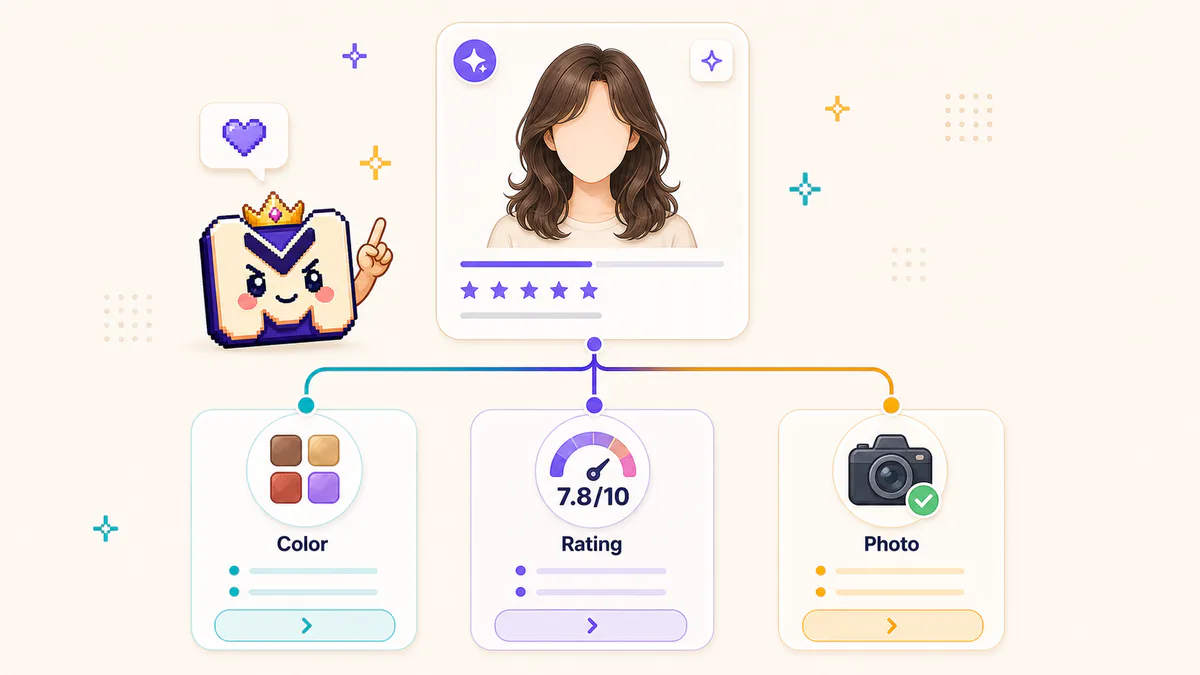
Start with one clear photo, choose a template, and compare the AI hairstyle result before changing your real haircut.