
Base color
Try brunette, black, blonde, copper, red, and other base color directions.
Ask what to improve nextNot sure what to improve? Ask MogScore Coach for your next step. Add photos when you want a deeper analysis.
Ask CoachAsk MogScore CoachPreview realistic hair color changes, highlights, shine, and color intensity from one clear selfie.


Completed generations are saved in History.
Hair color from photo guide
Use the Hair Color Changer when you want to change hair color online from one selfie: test base color, highlights, tone, intensity, and shine without changing the haircut shape.
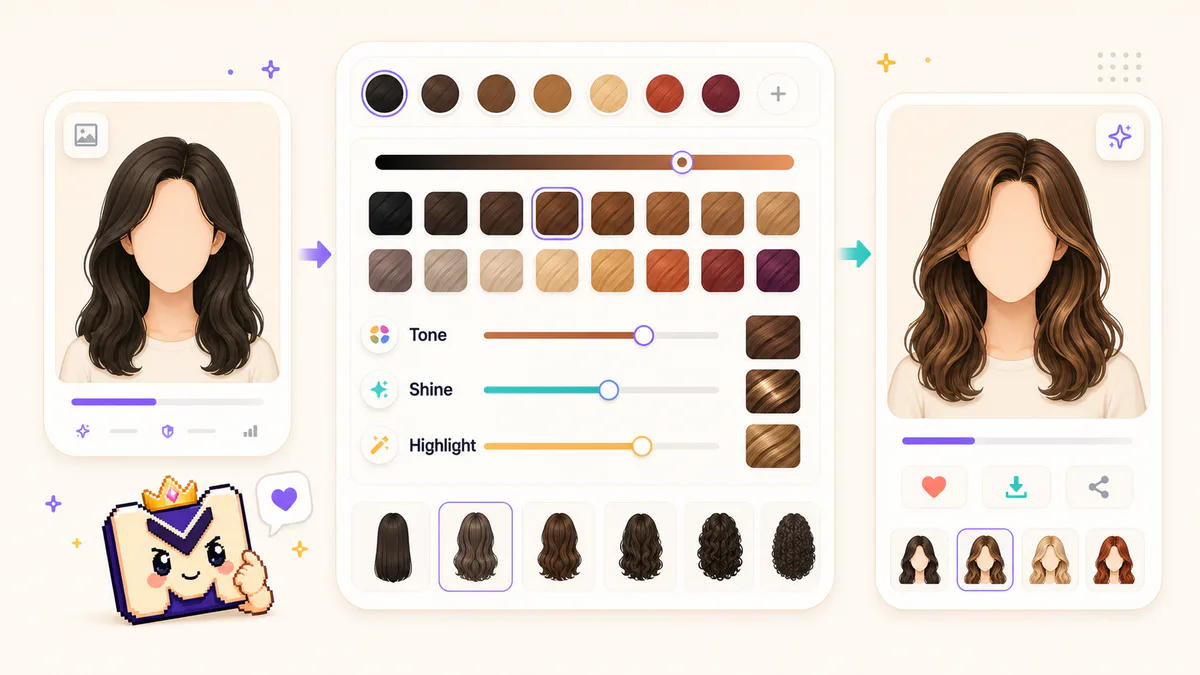
Upload a selfie, use camera input, or reuse a completed generation from History.
Choose single color or base plus highlight, then adjust color intensity and shine.
Generate the hair color preview, download it, or use the after photo as the next input.
This AI hair color changer is built for color-only decisions, so the controls focus on tone and highlights instead of haircut shape.
Try brunette, black, blonde, copper, red, and other base color directions.
Add realistic highlights, balayage-like accents, or face-framing highlight placement.
Control how much of the new color blends with the original hair color from photo.
Adjust glossy or matte finish so the hair color preview fits the source lighting.
Use natural color families when you want a believable virtual hair color try on.
Test vivid color direction when the goal is inspiration instead of a subtle salon preview.
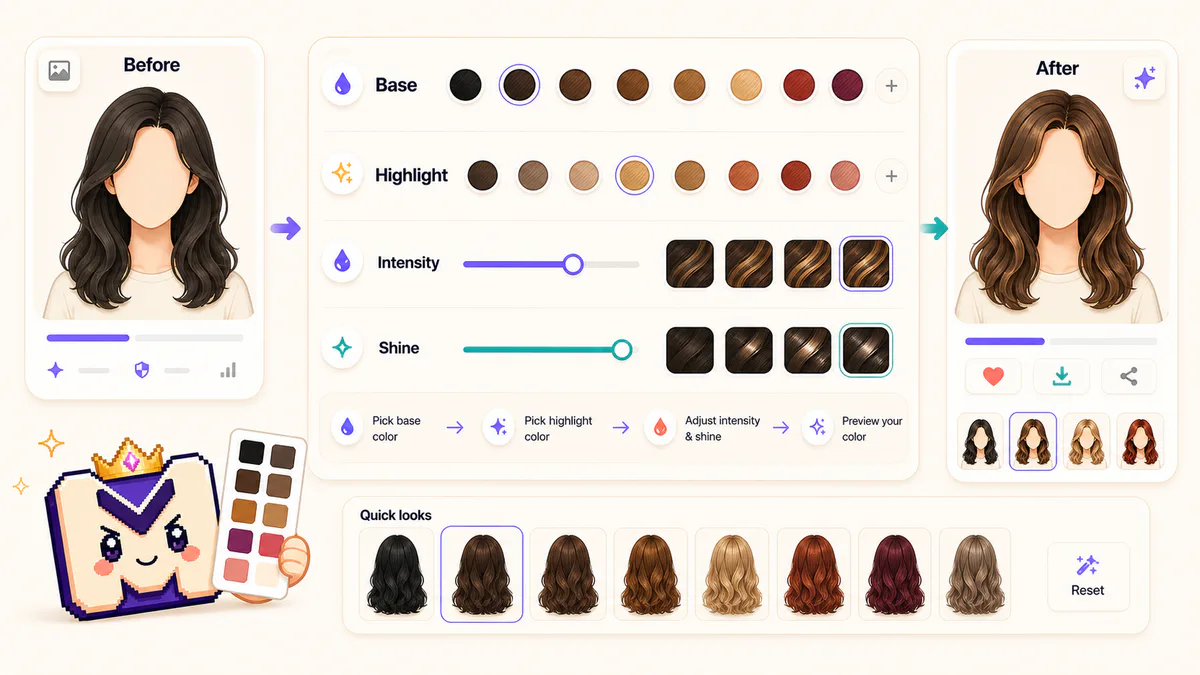
Good input photos help the hair color filter read the hair area cleanly and keep the preview from drifting into a full style change.
The result should behave like a hair color from photo preview: color, tone, highlights, and shine can change, but the hairstyle should stay recognizable.
Preview a hair color changer result before discussing a color direction with a stylist.
Compare natural brunette, blonde, black, copper, and red hair color previews.
Use highlights and shine controls when you want a more salon-like hair color preview.
Download the after photo or reuse it in History when you want another generator pass.
After a hair color preview, choose the next edit by the job: change hairstyle shape, reuse the result, or check rating context.
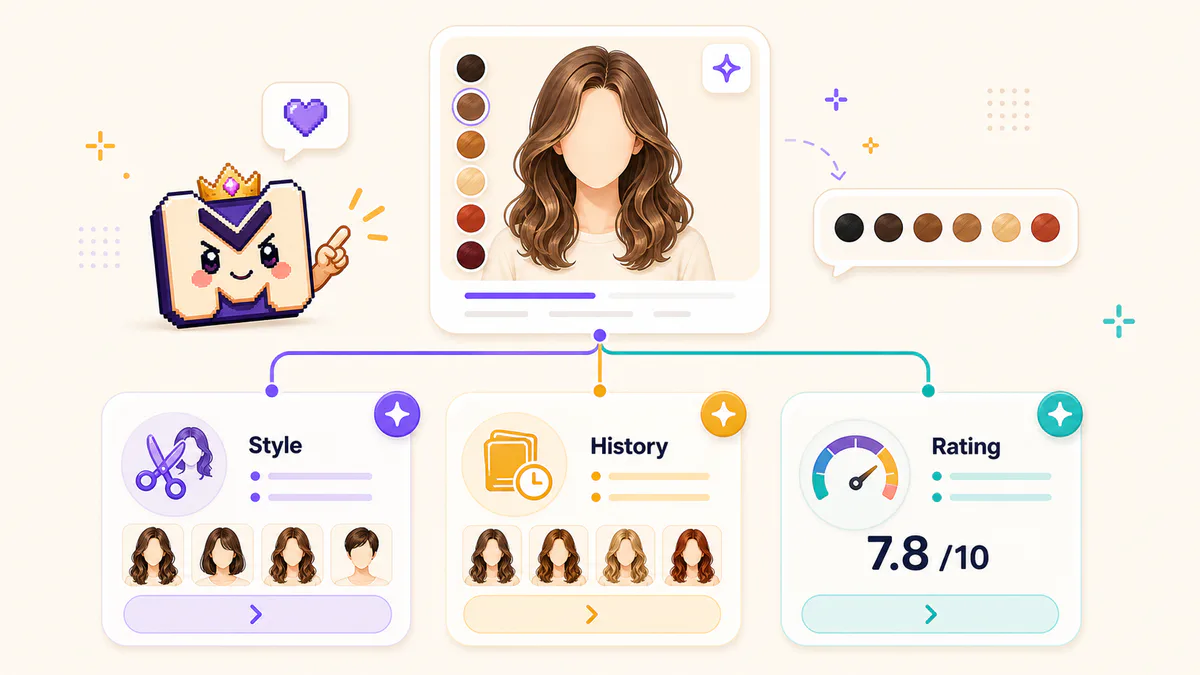
Start with one clear selfie, pick a color direction, and generate a hair color preview that keeps the haircut shape intact.