
How to improve your Omoggle score
Fix controllable Omoggle-style score leaks first: front lighting, eye-level camera height, full-face framing, image clarity, and repeatable retakes.
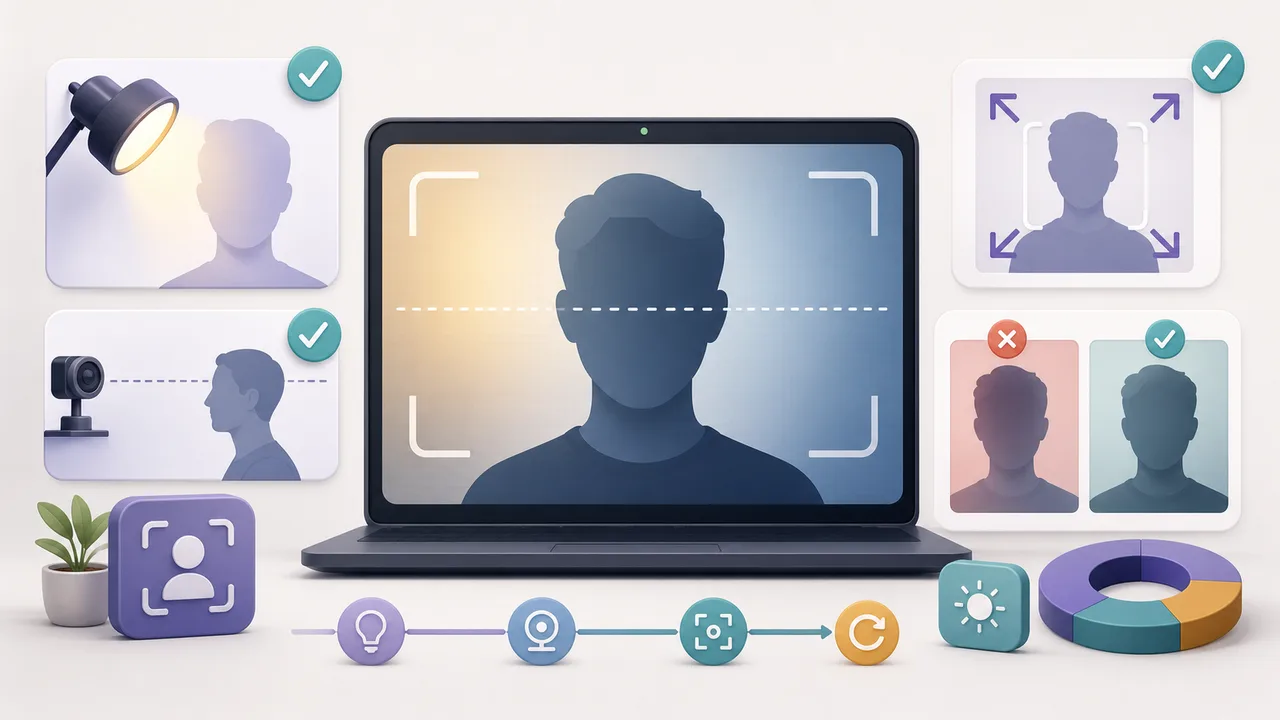
TL;DR
The shortest version before the full guide.
- You cannot guarantee a higher official Omoggle score, but you can reduce noisy inputs.
- The fastest fixes are front lighting, eye-level camera height, full-face framing, and stable image quality.
- PSL and looksmaxxing language can provide context, but the full metric glossary belongs in the score explainer.
- Retake with one variable changed at a time so you can tell what helped.
- Avoid fake cameras, filters, APKs, extensions, and anything that tries to manipulate scan outputs.
Direct answer: how to improve Omoggle score
If you searched for how to improve Omoggle score, how to get a better score on Omoggle, or how to score high on Omoggle, the practical answer is input quality. Omoggle-style scoring appears to start from a camera frame. If that frame is dark, low angle, cropped, blurry, compressed, or partly blocked by hair or hands, the result can feel noisy before any deeper appearance factor matters.
You cannot guarantee a higher official score because Omoggle does not disclose its scoring weights, and MogScore is independent of Omoggle. What you can do is reduce score leaks that make the frame harder to read.
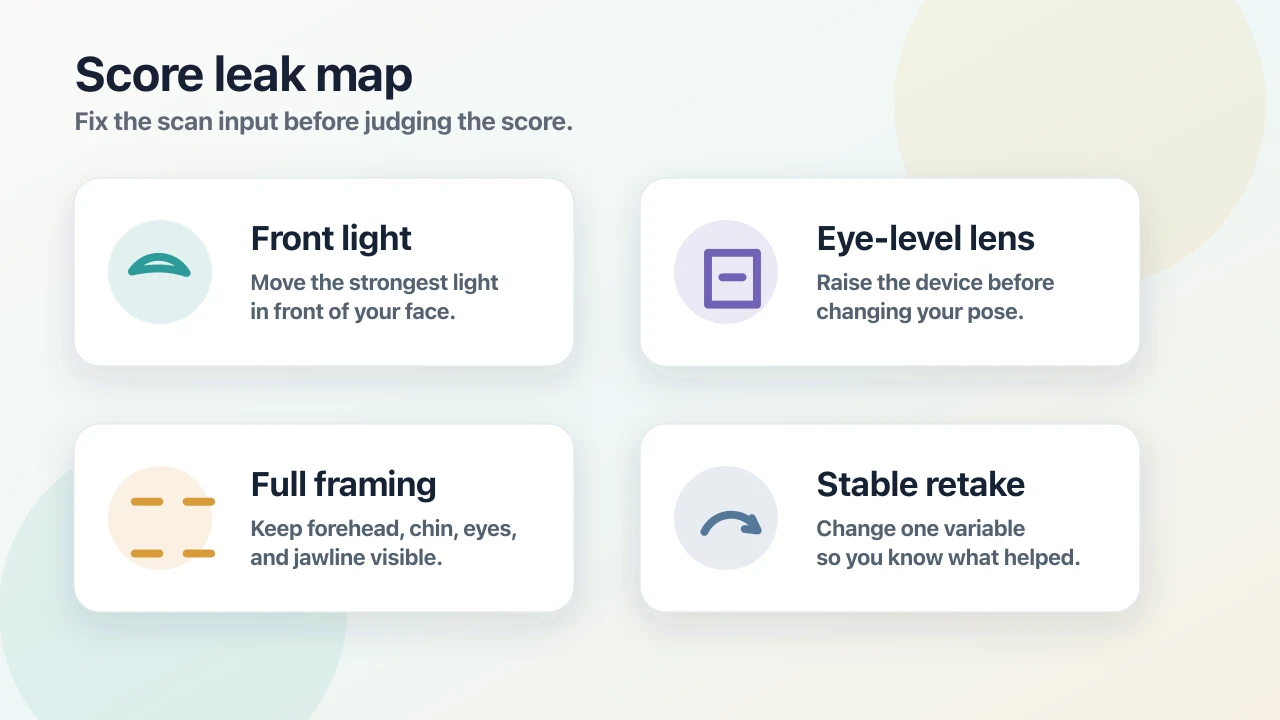 The four fastest Omoggle-style score leaks to fix are lighting, camera height, framing, and retake consistency.
- Use front lighting before changing grooming or hairstyle.
- Raise the camera near eye level instead of tilting your head down.
- Keep your forehead, chin, both eyes, jawline, and both sides of your face visible.
- Avoid screenshots, blur, heavy compression, and face-warp filters.
- Retake with one changed variable so the comparison is meaningful.
What Omoggle, PSL, and looksmaxxing scores mean
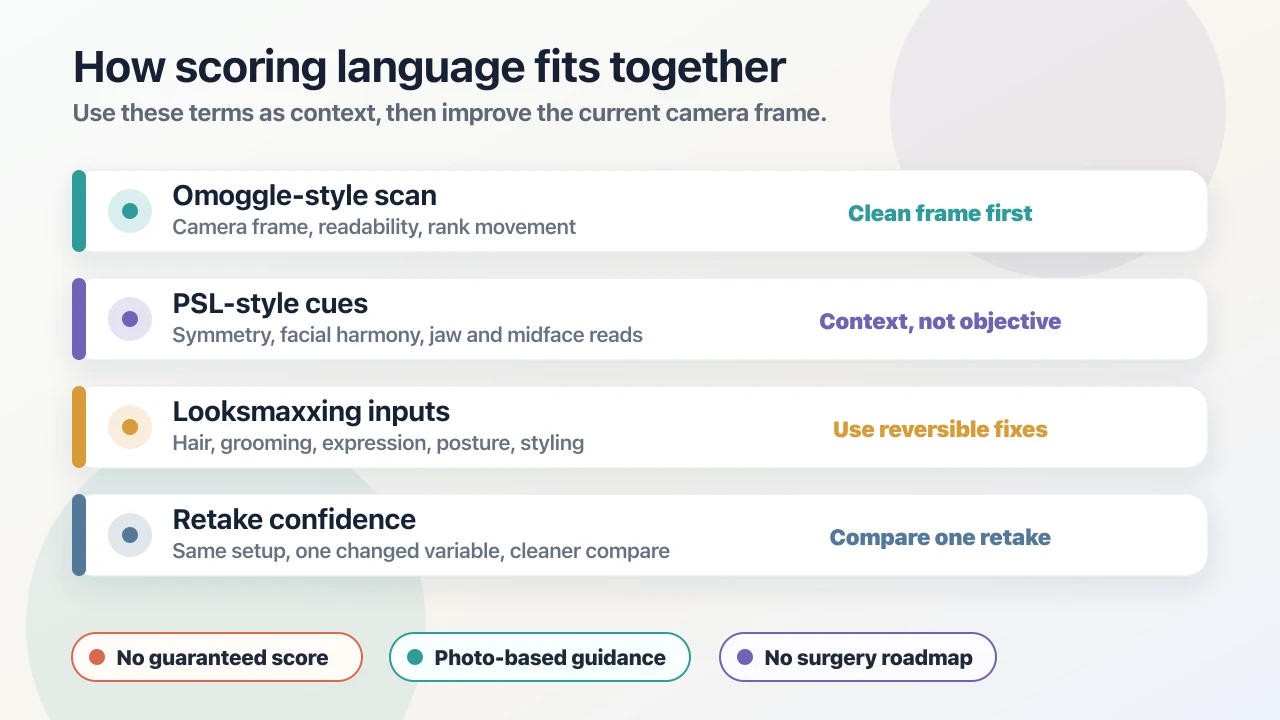
Keep the score language simple while you are fixing the scan. Treat an Omoggle-style score as camera-frame feedback. PSL score language is internet shorthand for broad appearance-rating cues. Looksmaxxing inputs are reversible presentation variables such as hairstyle, grooming, expression, posture, and photo setup.
For a complete breakdown of these terms, read PSL, Looksmaxxing, and Omoggle Scores Explained. This article keeps the definitions short so you can focus on the next controllable retake.
Fix the camera frame before judging the score
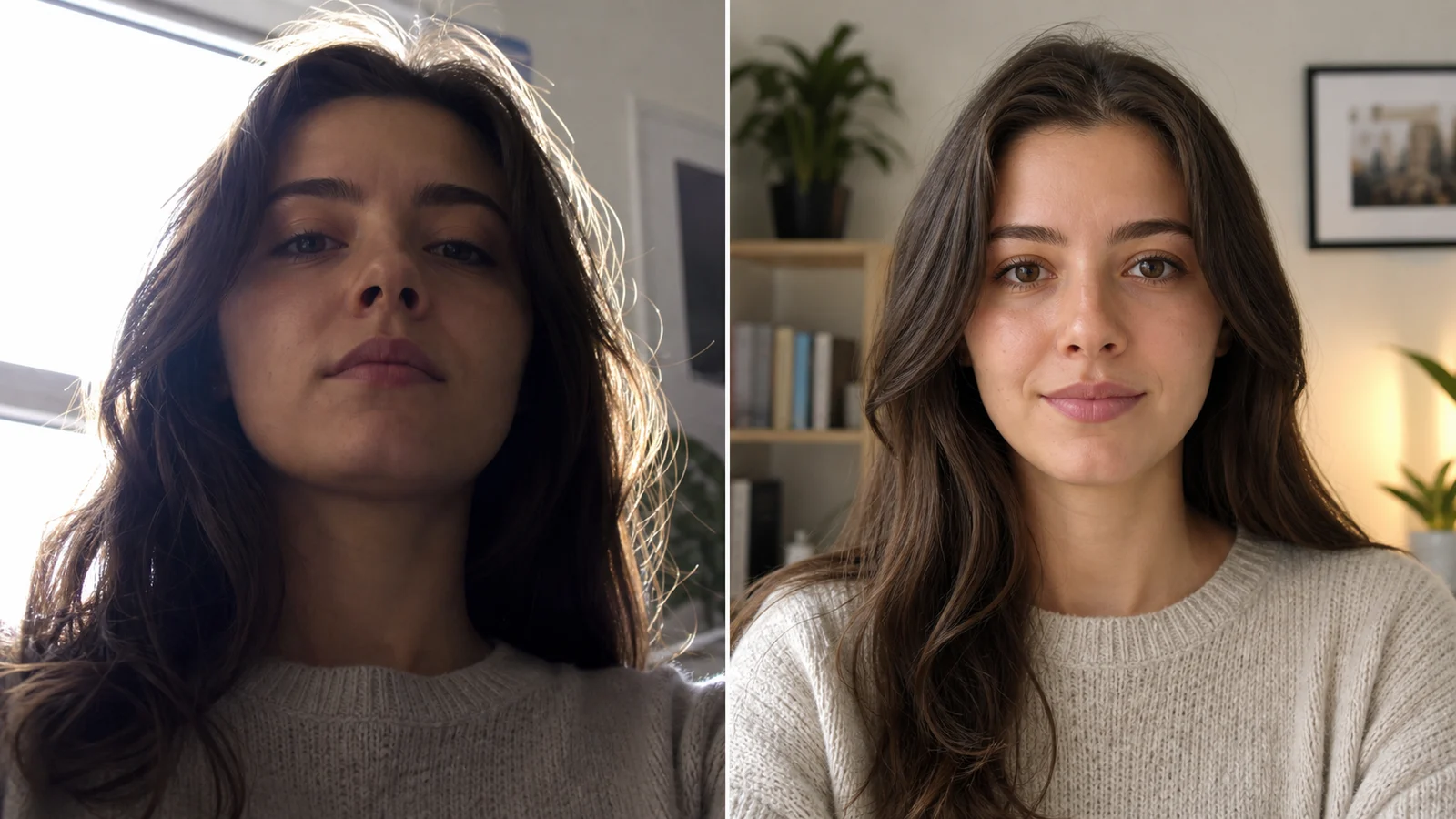
Camera setup is the best first move because it affects every other read. A low laptop angle can exaggerate the lower face. Backlight can hide the eyes and face edges. A close wide-angle selfie can distort the nose, jaw, and midface. A bad crop can remove the forehead or chin.
- Put the strongest light source in front of your face.
- Set the camera near eye level or slightly above.
- Step back enough to avoid an extreme close-up.
- Keep your face centered and upright.
- Use the same crop when comparing retakes.
Use front lighting before anything else
Lighting is the fastest Omoggle score leak to fix. Backlight, overhead shadow, or a dark room can hide facial edges and make the eye area harder to read.
Face a window during the day or place a soft lamp near the camera at night. You are aiming for a clear, repeatable current-photo frame, not a studio portrait.
- Face the light source.
- Avoid a bright window behind you.
- Retake if one side of your face is mostly shadowed.
- Keep the background less bright than your face.
Raise the camera to eye level
A low camera can make the chin, jaw, nose, and midface read differently. Fix the device height before changing your head pose. Do not tilt your head down into a low lens; raise the phone or laptop instead.
For most retakes, eye level or slightly above is safer than a sharply upward angle. Keep your head level, expression neutral, and shoulders relaxed.
Keep the full face readable
The scan has a cleaner input when the forehead, chin, jawline, both eyes, and both sides of the face are visible. Crops, hair, hands, hats, hard shadows, and extreme expressions can all hide useful edges.
- Keep your forehead and chin inside the crop.
- Move hair away from your eyes and jawline.
- Avoid hands or accessories blocking the face outline.
- Keep one person in the frame.
- Avoid face-warp filters and beauty filters.
Reduce blur, compression, and lag
A soft or compressed image can make score feedback feel random. Clean the lens, hold the camera steady, and avoid screenshots or heavily compressed social uploads when you want a useful comparison.
If the image looks noisy, fix blur and compression before changing hairstyle or grooming. A sharp, neutral source frame is more useful than a dramatic but unstable angle.
Use looksmaxxing inputs after the source frame is clean
Once the camera frame is readable, reversible presentation inputs can make the next scan more consistent. Keep it practical: hairstyle shape, side volume, grooming edges, skin shine, expression tension, posture, and background contrast.
Do not jump from a single score to permanent conclusions about bone structure or attractiveness. A current-photo read can only describe what the current photo makes visible.
- Control hair blocking the forehead, eyes, or jawline.
- Clean grooming edges before retaking.
- Use a relaxed expression instead of forcing intensity.
- Keep posture upright but natural.
- Change one style variable only after the camera setup is stable.
Retake with one changed variable
Random retakes make it hard to tell what helped. Keep the same expression, distance, and framing, then change one condition at a time.
- Take one baseline photo.
- Retake with better front lighting.
- Retake with the camera closer to eye level.
- Retake with more stable distance and framing.
- Retake only one presentation variable, such as hair control or expression.
- Compare the retake against your own previous setup, not against strangers.
What not to do
Do not use fake camera feeds, face-warp filters, APKs, browser extensions, or tools that claim to manipulate MediaPipe or scan outputs. They create platform and safety risks, and they do not produce a better real current-photo setup.
Do not treat PSL, looksmaxxing, or Omoggle-style score language as a diagnosis, medical read, or permanent label. Use it as search-context vocabulary, then bring the work back to the next controllable photo: light, lens height, framing, clarity, expression, and retake consistency.
Frequently Asked Questions About How to Improve Omoggle Score Before Your Next Scan
Short answers to the search questions this guide is designed to resolve.
Use the guide with a current-photo preview
Start with one clear photo, then use the guide to decide which setup or style change to test next.
Related articles
Continue with the next setup, glossary, or product guide.
 ExplainerPSL, Looksmaxxing, and Omoggle Scores ExplainedSeparate Omoggle-style scan feedback, PSL score language, looksmaxxing inputs, mogging comparisons, and retake confidence.
 How-toCamera Setup for a Better Face RatingSet front lighting, camera height, distance, framing, and a simple retake order before comparing MogScore previews.
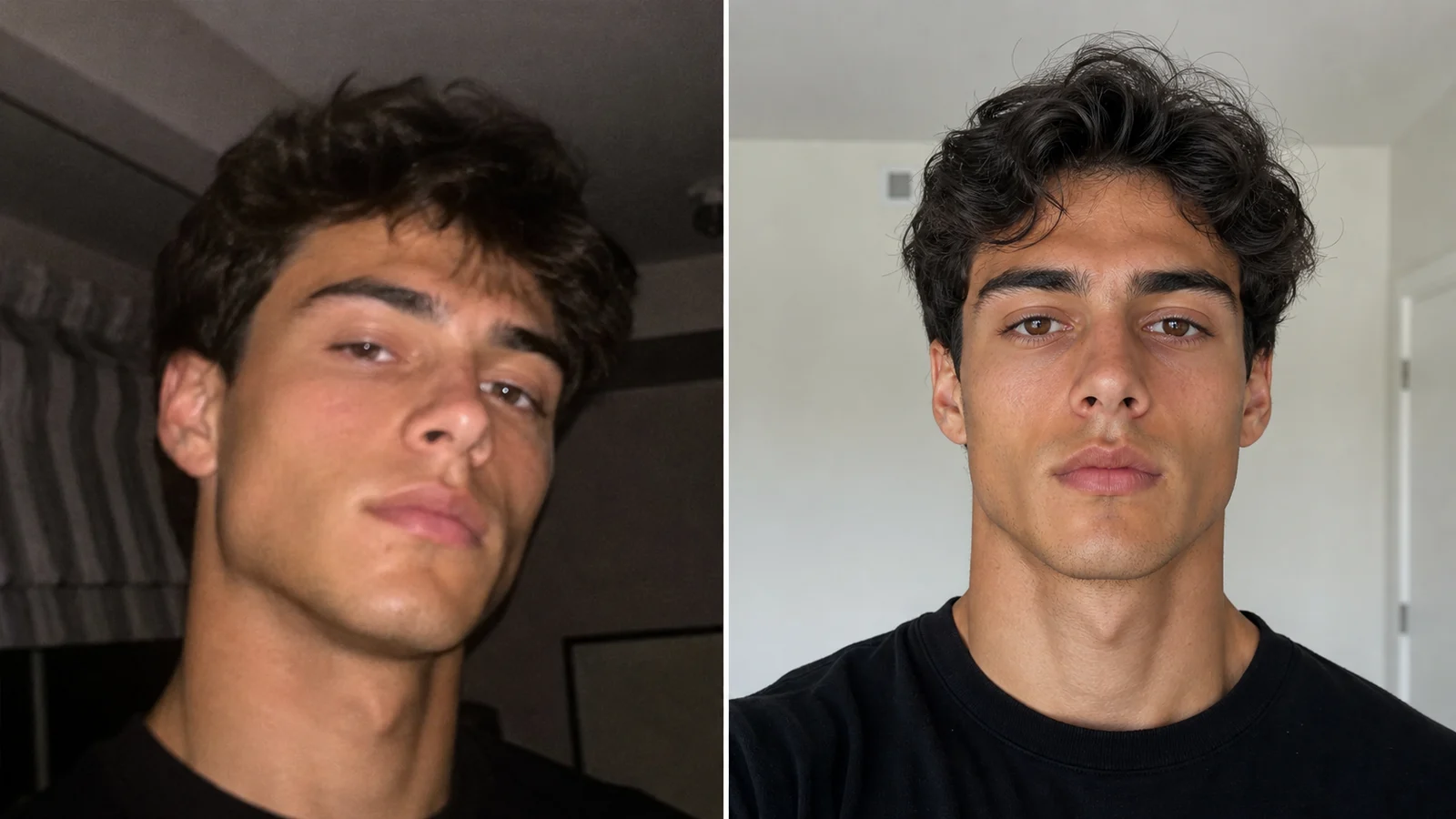 Photo TipsBest Photo for an AI Face RatingPick a cleaner photo for your MogScore AI Face Rating by checking light, crop, blur, distance, filters, and retake priority before upload.
 ExplainerWhat Does Get Mogged Mean?To get mogged means to be outclassed or outshined in a comparison, usually around appearance. The definition comes from internet slang sources, not from MogScore product language.