
Beard styles by face shape, tested on your photo
Face shape suggests where a beard can add or remove visual length and width. Your growth pattern and upkeep decide what is realistic, so preview before you grow or trim.
TL;DR
The shortest version before the full guide.
- A beard can add or reduce visual length and width around the lower face in photos.
- Face shape is a starting point; your growth pattern, density, and upkeep time decide what is realistic.
- Clean lines at the neck and cheeks usually matter more than the exact style.
- Preview two or three beard templates on one photo with the same strength before growing or shaving.
- A generated beard shows a direction, not the density or growth you will actually get.
What a beard changes in a photo
A beard changes the outline of the lower face in a photo. Depending on where it is fuller or shorter, it can make that area read longer, wider, more defined, or softer. That is why face shape comes up in beard advice: it suggests where adding or removing length might change the overall look.
Face shape is a starting point, not a rule. Your growth pattern, density, color, and how much time you want to spend on upkeep matter just as much. The approach here is the same as in the hairstyle preview guide: pick a question, preview a direction on your own photo, and decide based on what you see.
Starting points by face shape
These are common starting points. Each is a first style to preview, not a prescription.
| How the outline reads in your photo | Common starting point | MogScore templates to preview |
|---|---|---|
| Rounder, with similar width and length | Shorter sides with a little extra length at the chin | Van Dyke, Extended Goatee, Anchor |
| Square, with a defined lower outline | Short, even coverage that follows the existing outline | Heavy Stubble, Short Boxed Beard, Corporate Beard |
| Longer than it is wide | Fuller sides, kept shorter at the chin | Short Boxed Beard, Fade Beard |
| Wider at the forehead, narrower at the chin | More fullness around the chin and lower cheeks | Garibaldi, Ducktail, Balbo |
| Balanced or oval | Most styles work; choose by preference and upkeep | Any template, starting with Heavy Stubble |
If none of the rows feels right, preview one short style, one medium style, and one shaped style, then compare.
Match the style to your growth and upkeep
A style you cannot grow or maintain will not look like the preview. Check these before committing.
- Growth pattern: where does your beard grow evenly? Styles that rely on full cheeks need even cheek growth; chin-focused styles such as the Van Dyke or Extended Goatee rely less on the cheeks.
- Patchy growth: shorter styles such as Heavy Stubble or Mustache & Stubble often look more even. This guide does not cover growth products or treatments; if hair growth worries you, ask a qualified professional.
- Upkeep time: stubble needs frequent trims to stay the same length. Shaped styles like the Balbo or Anchor need careful edges. A Short Boxed Beard needs regular trims and a defined neckline.
- Work and lifestyle: some workplaces or sports equipment make certain styles less practical.
Get the lines right
Whatever style you choose, clean lines usually matter more in photos than the exact shape.
- Neckline: a common guide is about one to two finger widths above the Adam's apple. Too high can make the jaw outline look smaller; too low looks untidy.
- Cheek line: follow your natural line or tidy it slightly. A very low, sharp line can look artificial.
- Mustache edge: keep hair off the upper lip unless the style calls for it.
- Even length: trim with a guard so the length is consistent, then tidy the edges.
If you are unsure about the lines, ask a barber to set them once, then maintain them yourself.
Preview beard templates on your photo
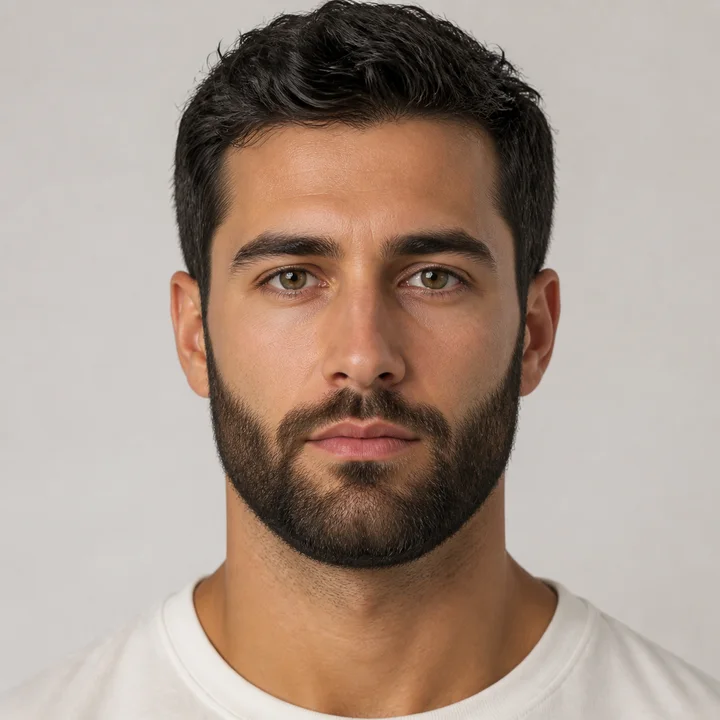
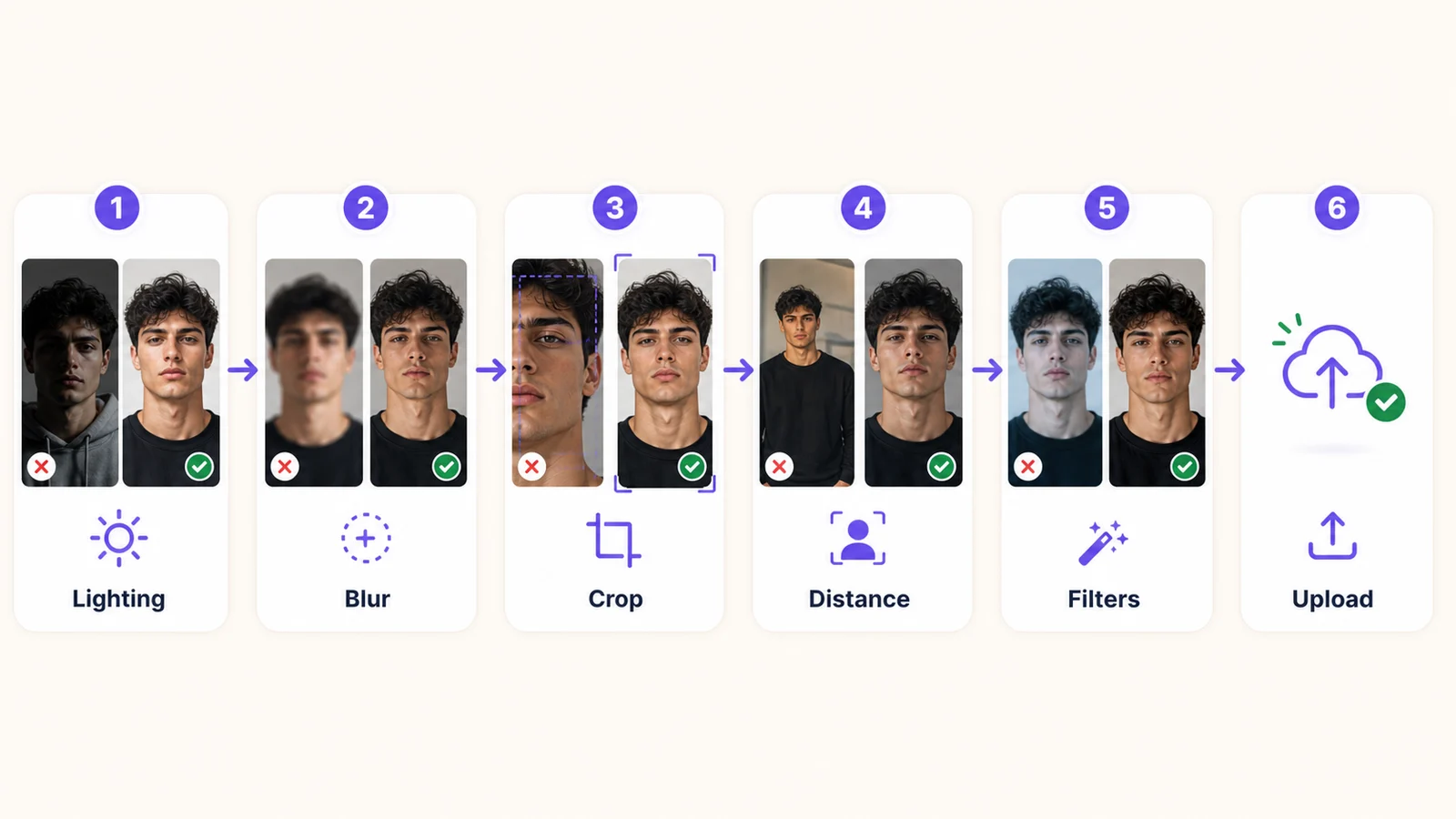
Use one clear, front-facing photo with your jaw and neck visible and nothing covering the lower face. A clean-shaven or short-stubble source usually gives the generator the clearest starting point. The photo selection checklist helps you choose.
In the AI Beard Generator, choose a beard template and a Strength setting: Subtle, Balanced, or Bold. Keep the same source photo and strength for each comparison. Generation requires Google sign-in and Credits; check the cost in the tool before starting.
- Same source photo and strength for every template.
- Check the neckline and cheek line look believable.
- Look for unintended changes to the face, hair, or expression.
- Ask whether your real growth could support the style.
- Shortlist one or two styles and note why.
A generated beard can look denser or more even than your real growth. Use the preview to choose a direction, not to predict the result.
From preview to the mirror
Grow or trim toward your preferred preview in stages. For a longer style, give it a few weeks of growth before shaping, then ask a barber to set the lines. Take a photo in a consistent setup at each stage; the camera setup guide explains how.
Facial hair is one part of your overall look. For frames that work with your beard, read glasses by face shape. For an everyday grooming schedule, see the beginner looksmaxxing routine.
Sources and method
Prepared by MogScore; updated November 9, 2026. Template names and the Strength options were checked against the current AI Beard Generator configuration. Face-shape starting points and neckline guidance are common grooming conventions, not measured outcomes. No style is guaranteed to suit a particular face.
Frequently Asked Questions About Beard Styles by Face Shape: How to Choose and Preview a Beard
Answers to common questions about this guide.
Use the guide with a current-photo preview
Start with one clear photo, then use the guide to decide which setup or style change to test next.
Related articles
Continue with the next setup, glossary, or product guide.
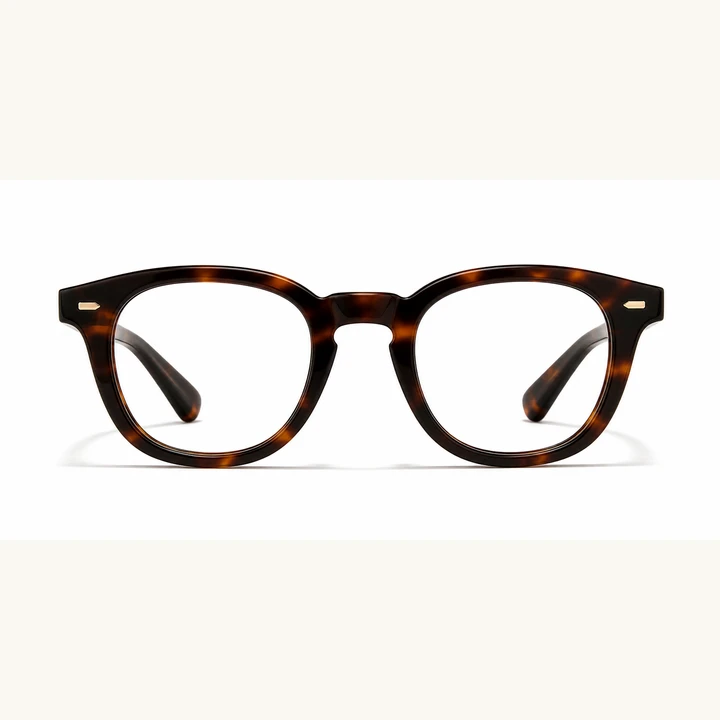 Style GuideBest Glasses for Your Face Shape: How to Choose and Preview FramesFace shape suggests where to start. Frame size, brow line, bridge fit, and color decide the result, so preview a short list on one photo before buying.
 RoutineLooksmaxxing Routine for Beginners: Simple Daily HabitsStart with five habit areas you control, keep them simple for four weeks, and use the same current-photo setup to see what changed.
 How-toHow to Look Better in Photos: Light, Angle, Posture, and ExpressionMost unflattering photos come from a few fixable conditions. Find the light, set the angle, relax your posture and expression, and choose the frame on purpose.