
Face shape and hairstyle guide from an AI face rating
Use a current-photo AI Face Rating result, then turn face shape, hair frame, and photo signals into a safer AI hairstyle test.
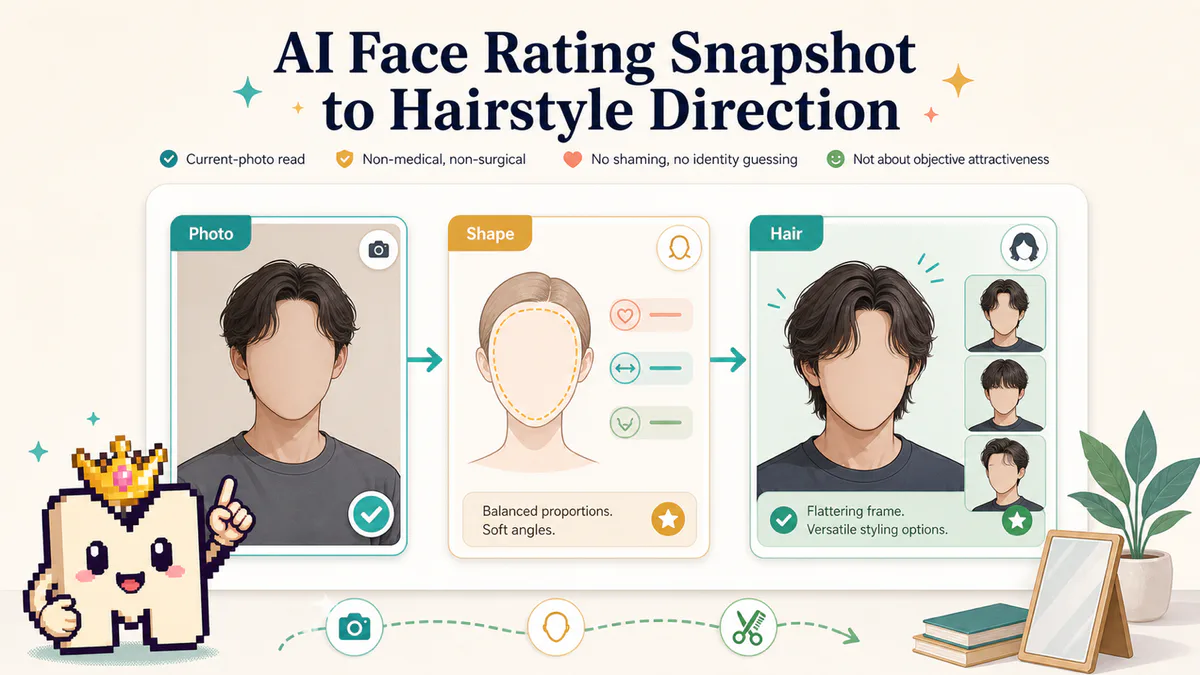
TL;DR
The shortest version before the full guide.
- Treat face shape as a current-photo read, not a permanent identity label.
- Use a clean AI Face Rating photo before you make hairstyle decisions from the result.
- Look at hairline visibility, face width, jaw read, cheek read, and current hair frame together.
- Choose hairstyle directions that change framing, volume, parting, or length before you judge the AI Face Rating again.
- Use AI Hairstyle for visual experiments after the AI Face Rating result gives you a clear current-photo read.
Use the AI Face Rating result as the starting point
The order is simple: clear photo, AI face rating, face shape context, hairstyle test. If you skip the first step, the hairstyle choice can be based on a noisy photo instead of the way your face reads in the current frame.
An AI Face Rating result is a current-photo read. It can show how visible face structure, eyes and expression, nose and mouth area, camera setup, and photo quality work together. That is enough to choose a hairstyle direction, but too thin to make one label permanent.
- Check whether the source photo is clean enough.
- Read face shape as photo context, not identity.
- Look for the hair frame that the photo already shows.
- Pick one hairstyle direction to test first.
- Compare the after image against the same original photo.
Face shape is a photo read
Face shape terms such as oval, round, square, heart, diamond, or oblong are shortcuts. They are useful for hairstyle planning because they describe how width, length, cheek area, jaw read, and forehead visibility appear in a photo.
They are not medical labels, and one upload does not settle them. A low laptop angle can make the lower face look stronger. Heavy fringe can hide the forehead. Backlight can soften the side edges. A close selfie can change how the midface and jaw read.
Treat face shape as a current-photo read. Ask what the picture is showing right now, then choose a hairstyle test that changes the frame around the face.
What to check before choosing a hairstyle
Before opening an AI hairstyle generator, separate useful signals from photo noise you should fix first.
| Signal | Why it matters for hairstyle | What to do next |
|---|---|---|
| Hairline visibility | Hidden hairline can make the forehead and face length harder to read. | Retake or test styles that reveal or softly frame the forehead. |
| Face width | Side volume can make a face look wider or more balanced in the current photo. | Compare tighter sides with more controlled top volume. |
| Jaw read | Length, sideburns, and beard edges can pull attention toward or away from the lower face. | Test cleaner sides, different sideburn length, or a softer frame. |
| Cheek and midface read | Fringe, layers, and parting can change how the middle of the face is framed. | Try one parting or fringe direction at a time. |
| Photo quality | Blur, shadow, and close-up lens distortion can make hairstyle feedback unreliable. | Fix the photo before treating the style result as useful. |
Match hairstyle direction to the current read
Do not choose a celebrity haircut or a random trend first. Work from what the current AI Face Rating result makes visible.
If the face reads wider in the photo, test controlled side length and height on top instead of adding bulky side volume. If the face reads longer, test softer top height and a frame that does not stretch the silhouette further. If the jaw reads strong, compare a clean outline with a softer layered frame. If the forehead is mostly hidden, test a version that reveals enough hairline to make the next AI Face Rating result more consistent.
You are not trying to find one perfect haircut. You are comparing style directions that change the frame around the same face.
- Tighter sides with moderate top volume.
- Softer layers around the cheek area.
- A cleaner middle or side part.
- A fringe direction that still keeps the face readable.
- A style that exposes enough hairline for the next AI Face Rating result.
Use AI Hairstyle after the AI Face Rating
Once you have a clean source photo, use AI Hairstyle for visual experiments. Keep the source photo stable when possible. That lets you compare hairstyle changes without also changing lighting, expression, lens distance, or camera height.
Write the prompt around framing instead of identity. A useful prompt can say "keep the same face, expression, camera angle, and lighting" plus the specific hairstyle variable you want to test: side length, top volume, fringe, parting, curls, waves, texture, or a cleaner outline.
Avoid asking for a completely different person, a drastic age change, medical claims, or a permanent transformation. The output should be a style preview from the same current photo.
Compare the preview without chasing numbers
After you generate a hairstyle preview, compare it against the original photo first. Ask what changed visually: face framing, forehead visibility, side width, jaw emphasis, texture, and grooming clarity.
If you run another AI Face Rating, remember that the result can move because the photo changed. A hairstyle edit can change the current-photo read by altering the frame around the face. That is useful feedback, but it is still photo-based.
A good comparison is controlled. Keep the same expression, crop, and lighting. Change only one hairstyle direction. Then decide whether the preview is worth testing in a real haircut, a grooming change, or another AI generator pass.
When to retake before styling
Some photos are not ready for a hairstyle decision. Retake first if the hairline is hidden by shadow, the face is cropped too tightly, the head is tilted sharply, or the image is a compressed screenshot.
Use Best Photo for an AI Face Rating if the source photo is noisy. Use Camera Setup for a Better Face Rating if the problem is lighting, lens height, distance, or framing.
- The hairline or forehead is mostly hidden.
- One side of the face is in heavy shadow.
- The image is a screenshot or heavily compressed.
- The lens is extremely close to the face.
- The crop cuts off chin, forehead, or side hair.
Best next step
Use one clear current photo. Run AI Face Rating, check whether the face shape read feels stable, then use AI Hairstyle to test one framing direction.
If the first style result looks better, do not stop at the score. Look at why it worked: less side bulk, better top volume, clearer forehead, cleaner grooming line, or a frame that suits the current photo better.
That gives you a practical loop: AI Face Rating result, style idea, AI hairstyle preview, controlled comparison, then the next real-world or generator test.
Frequently Asked Questions About Face Shape and Hairstyle Guide From an AI Face Rating
Short answers to the search questions this guide is designed to resolve.
Use the guide with a current-photo preview
Start with one clear photo, then use the guide to decide which setup or style change to test next.
Related articles
Continue with the next setup, glossary, or product guide.
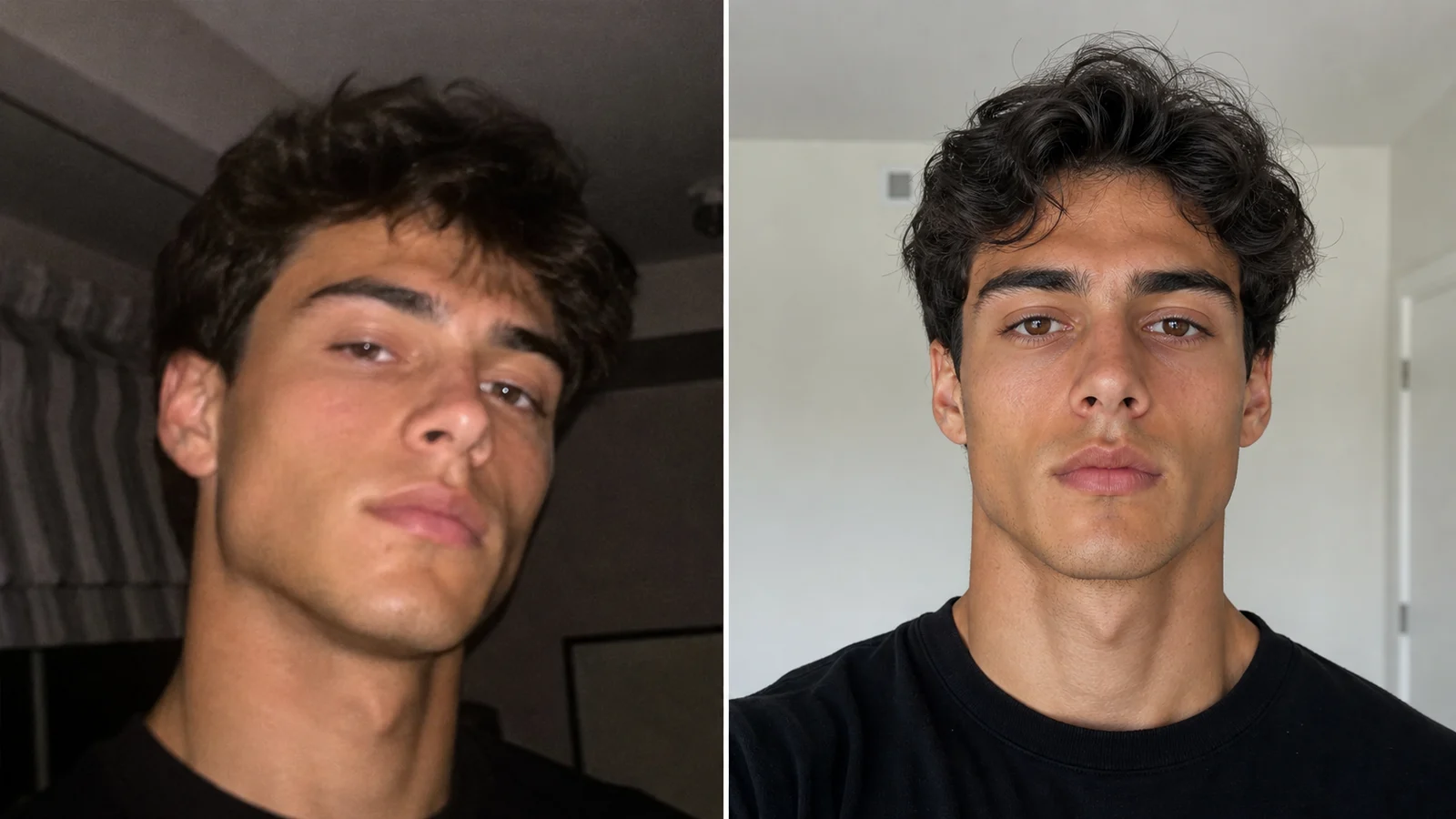 Photo TipsBest Photo for an AI Face RatingPick a cleaner photo for your MogScore AI Face Rating by checking light, crop, blur, distance, filters, and retake priority before upload.
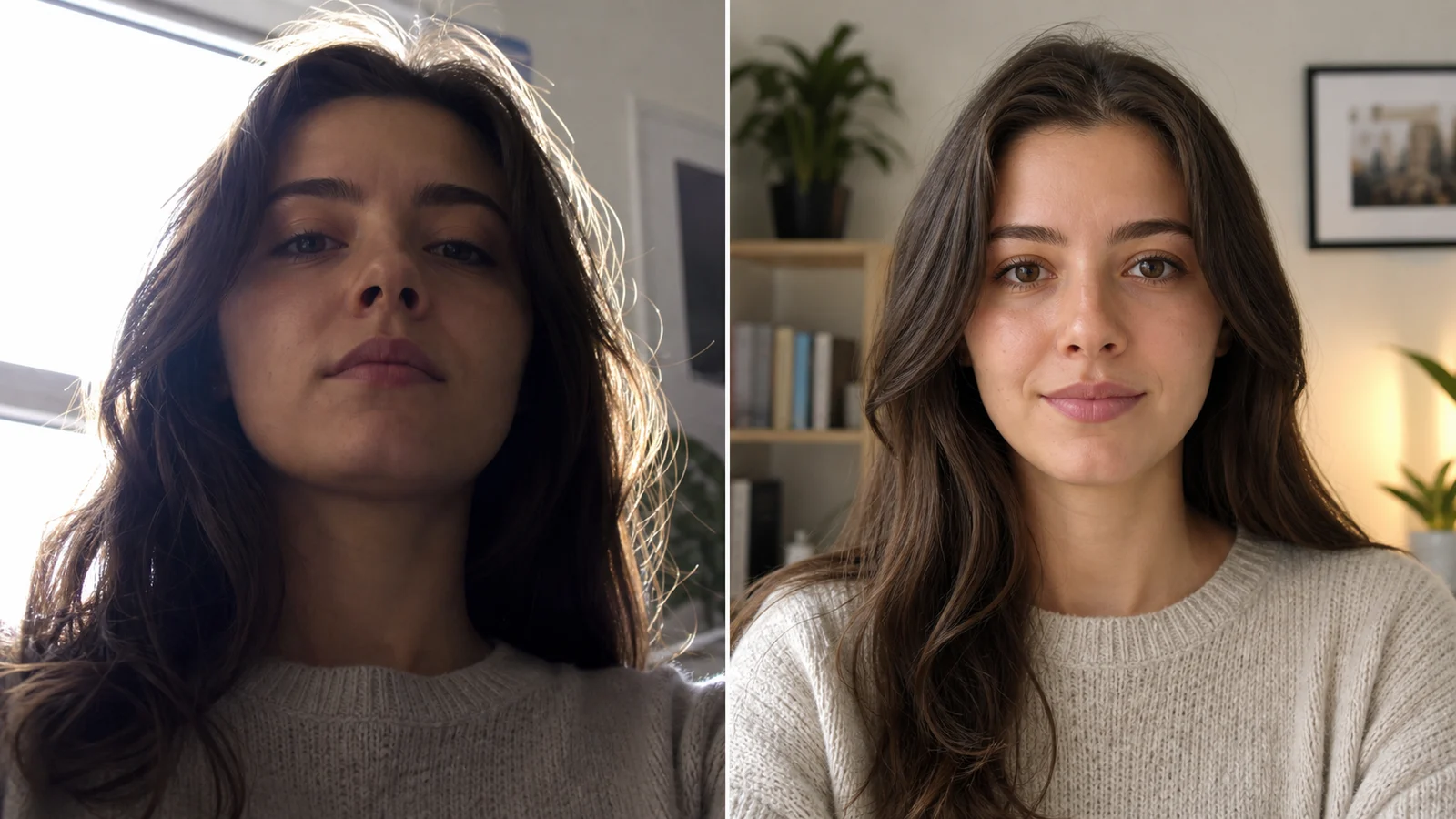 How-toCamera Setup for a Better Face RatingSet front lighting, camera height, distance, framing, and a simple retake order before comparing MogScore previews.
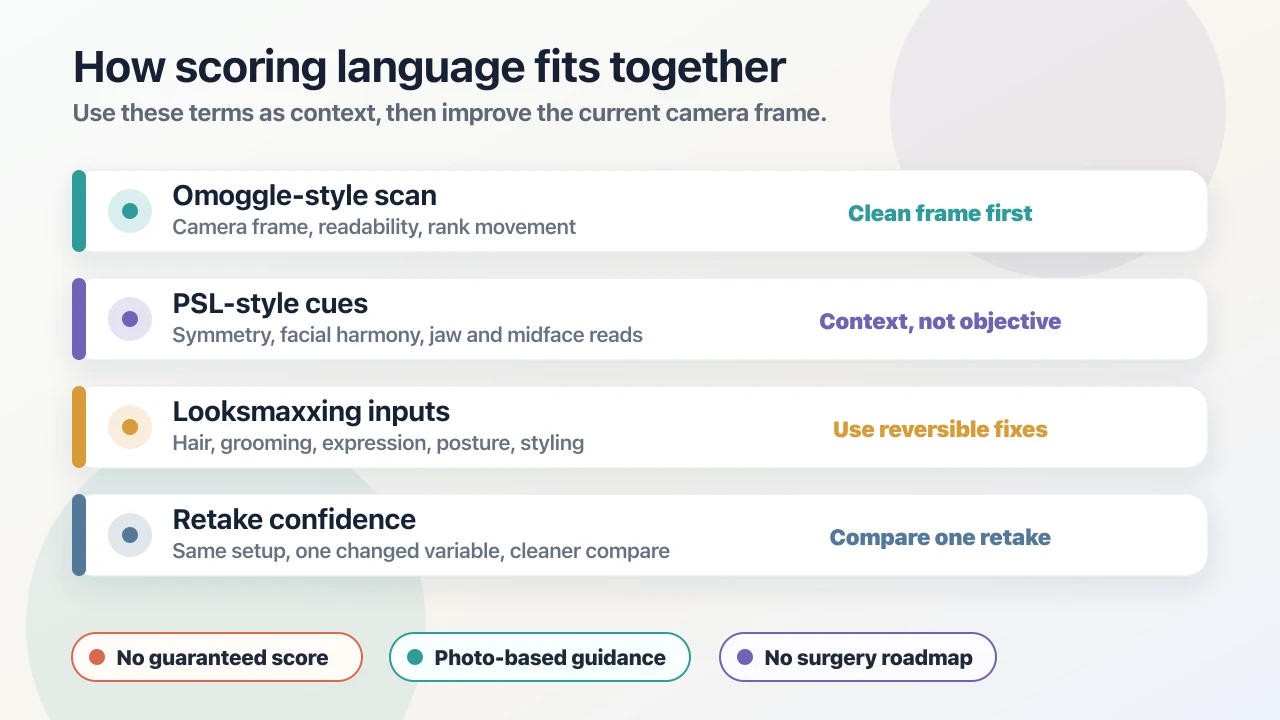 ExplainerPSL, Looksmaxxing, and Omoggle Scores ExplainedSeparate Omoggle-style scan feedback, PSL score language, looksmaxxing inputs, mogging comparisons, and retake confidence.