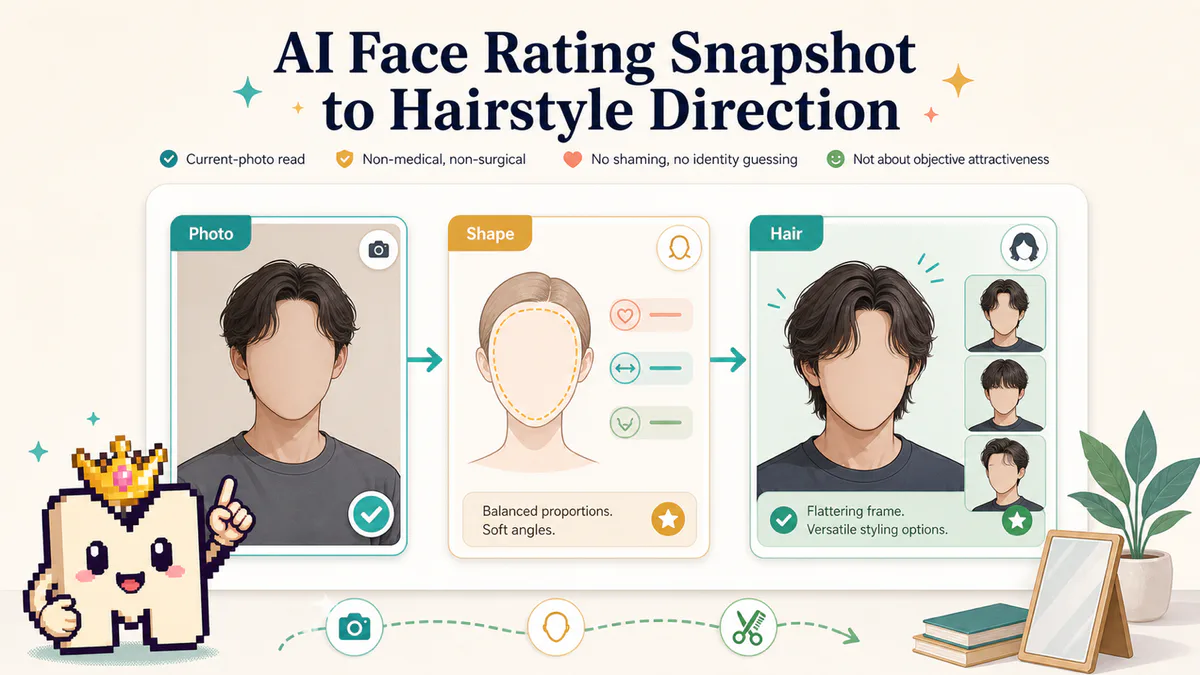
AI face rating vs AI face analysis
Choose a score preview, a written plan, or an edited image, then prepare the right inputs.
TL;DR
The shortest version before the full guide.
- Use a face rating when you want a quick current-photo score preview.
- Use face analysis when you want to discuss a goal and receive a written plan with reasons and limits.
- In MogScore, the analysis conversation can start without a rating or photos. A full photo-based report needs front, 45-degree, and profile views.
- Use an image generator when you want to see an edited hairstyle or hair color. Analysis and image generation are separate workflows.
- Read the current login and Credits requirements before starting paid work; viewing completed results does not require spending again.
Choose the output you need
In MogScore, AI Face Rating gives you a current-photo score preview, while AI Face Analysis supports a conversation and a written glow-up report. Choose by the next decision you need to make. If you want an edited picture of a hairstyle or color, choose an image try-on instead.
These labels vary across services. Before using any tool, check its inputs, output, and payment conditions rather than assuming that every “face analysis” page offers the same workflow.
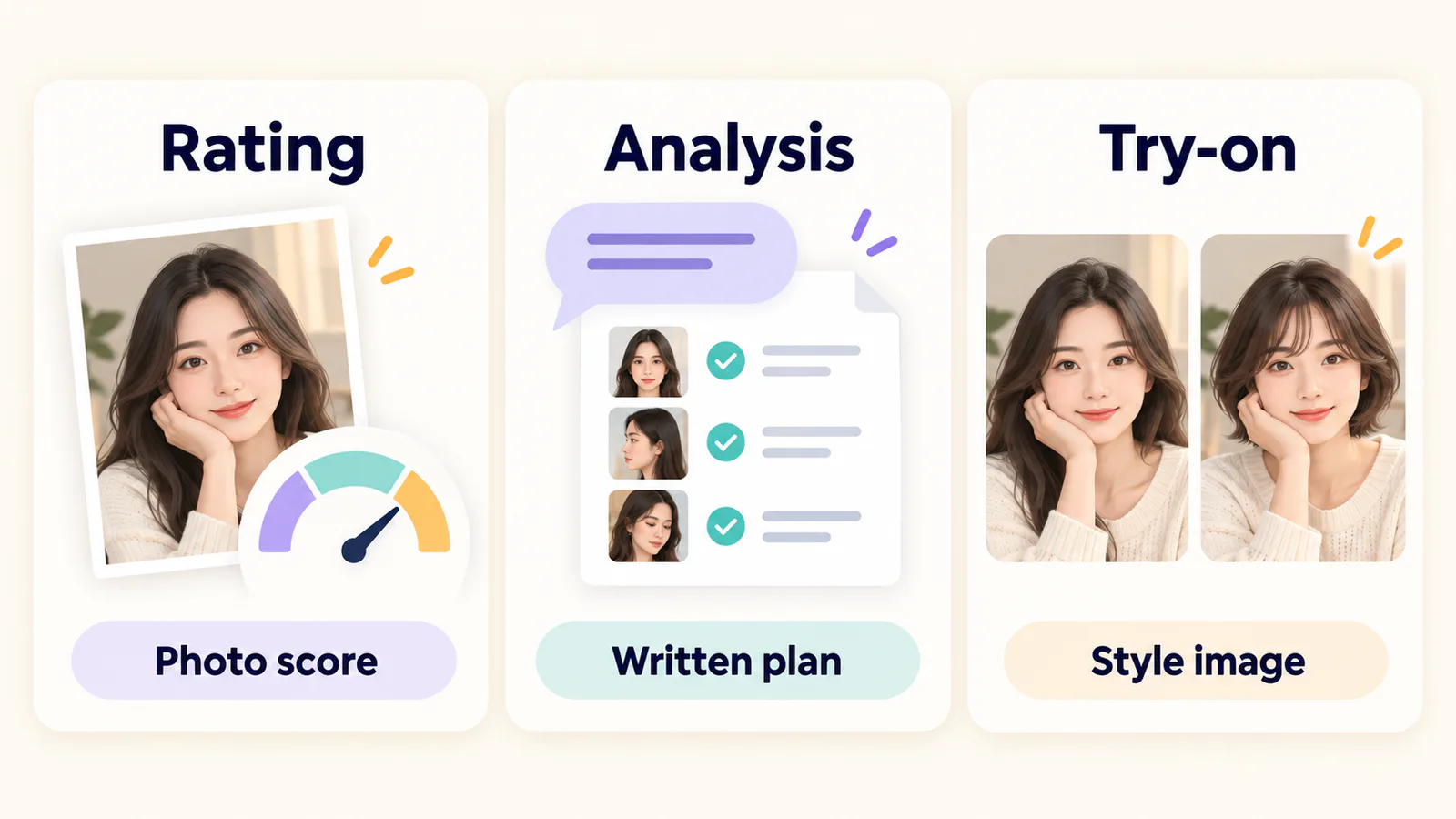 Illustrated workflow choices, not a product screenshot or measured result. Choose the output that fits your task.
- “I want a quick read of this photo.” Start with Mog Rating.
- “I want to decide what to change and why.” Start with AI Face Analysis.
- “I want to see a different hairstyle.” Use AI Hairstyle.
- “I want to compare possible hair colors.” Use Hair Color Changer.
What the free rating helps you do
The rating workflow starts with a photo and a browser-local scan, then creates a Face Rating snapshot and free preview. Google login is not required for that free preview, and it costs no Credits.
Use it as a read of the supplied image. If the photo is heavily filtered, tightly cropped, or difficult to interpret, pick a clearer source before drawing conclusions. The photo-selection guide helps you choose a baseline.
The useful question is “What does this result tell me about this photo?” A score alone does not explain your preferences, daily routine, budget, or the look you want. Those are reasons to consider a conversation.
What the analysis conversation adds
The Looksmaxxing AI Agent lets you explain your goal, constraints, and questions after sign-in. You can consult without completing the optional context form or uploading photos.
When you want a full personalized photo-based Markdown report, provide the requested front, 45-degree, and profile views. The report should connect visible observations with practical recommendations, state the limits of the photos, and account for what you told the Agent.
A rating snapshot is not required. The Agent does not need you to earn a particular score before asking for help. Read the annotated example report to see what a reasoned written plan can look like; that example is fictional, not a customer outcome.
A complete consultation input
This is an illustrative request. Replace the goal and preferences with your own.
This gives the conversation a task and constraints. If you later request a full report, add the three labeled views and ask which observations are directly supported by them. You can revise the plan when a suggestion conflicts with your routine.
When an image try-on is the better next step
A written suggestion and an edited image answer different questions. Analysis may help you choose what to explore; a try-on helps you inspect a visual possibility.
MogScore's hairstyle tool uses Style set, Template, and Strength controls. The hair-color tool uses color controls. Neither is a free-text extension of the analysis Agent. You can enter the generator directly with a photo; completing an analysis first is optional.
Generation requires login and Credits. An image is a preview of a possible edit, so compare it with the original for changes to the face, expression, background, or hair texture before using it as a styling reference.
Check the cost before starting
The free rating preview costs no Credits. Agent usage and image generations have their own charging rules, shown in the relevant flow. Consult the current pricing page and in-product cost information before sending a paid request.
Completed reports and tool results should be reopened rather than regenerated just to see them again. Viewing a saved result does not itself spend Credits; requesting new work can.
Three situations, three starting points
These are editorial examples, not observed customer sessions.
- You have several selfies and want a baseline. Pick the clearest current photo before looking at its rating. Use the photo-selection checklist, then try the free preview.
- You know your goal but keep getting generic advice. Start analysis with your time, preferences, and constraints. Ask for a short list of actions and the evidence behind them.
- You already know which hair change you want to explore. Go directly to the relevant generator. Keep the input photo consistent and compare the output with the original.
How to judge whether the result helped
Judge the result against your starting task. A rating should help you interpret the current photo. A written analysis should help you choose an action you can carry out. A generation should give you a visual reference you can inspect.
Keep decisions grounded in what the image actually shows and what you want to do next. None of these outputs establishes an objective attractiveness verdict or replaces professional advice about a health concern.
About this guide
MogScore's editorial guidance describes its Rating, Analysis, and Generator workflows. The examples are illustrative. For the broader approach to interpreting photo-based feedback and the limits of automated face landmarks, see MogScore's methodology.
Frequently Asked Questions About AI Face Rating vs AI Face Analysis: Which Should You Use?
Answers to common questions about this guide.
Use the guide with a current-photo preview
Start with one clear photo, then use the guide to decide which setup or style change to test next.
Related articles
Continue with the next setup, glossary, or product guide.
 GuideAI Face Analysis: An Annotated Example ReportPrepare a specific analysis request, follow the link from observation to action, and ask for a focused report revision when your constraints change.
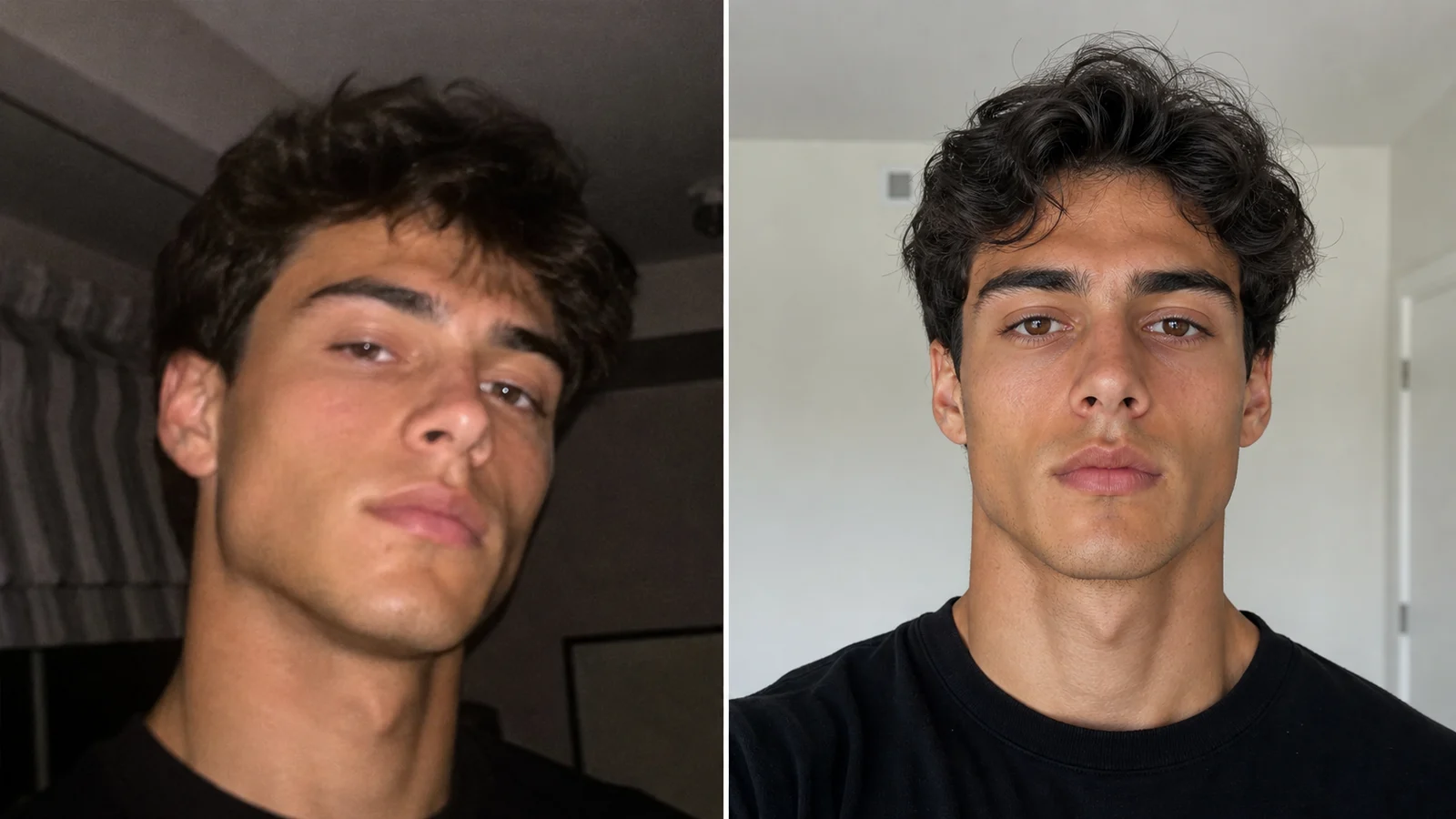 Photo TipsBest Photo for an AI Face RatingChoose one usable original from your photo library, record why it works, and fix the specific problem if the scan fails.